The SF Symbols app provides standard glyphs – images – that developers can use in their apps:
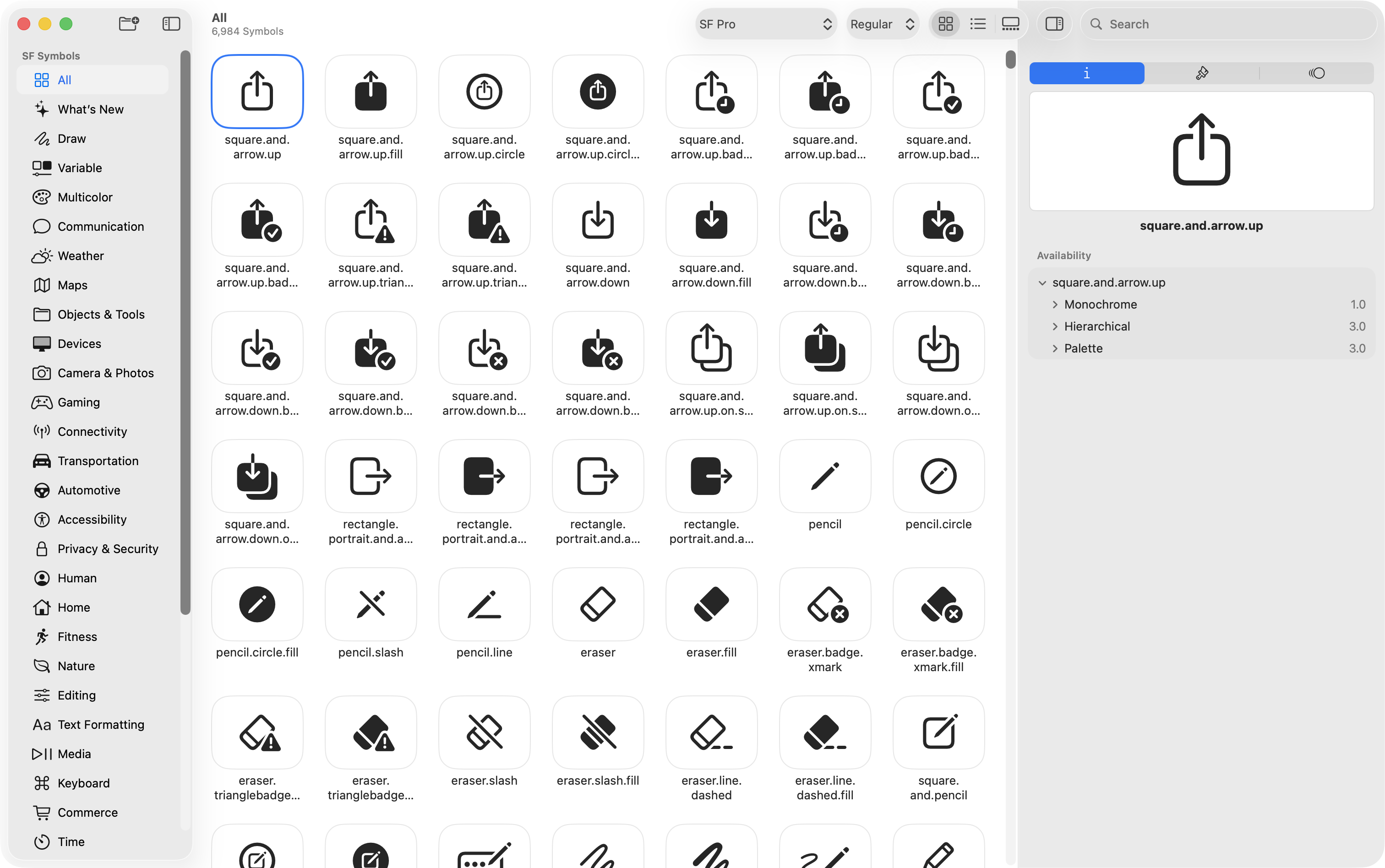
Being able to access this library of glyphs will be useful as you begin authoring your app prototype.
You can download the SF Symbols app installer here.
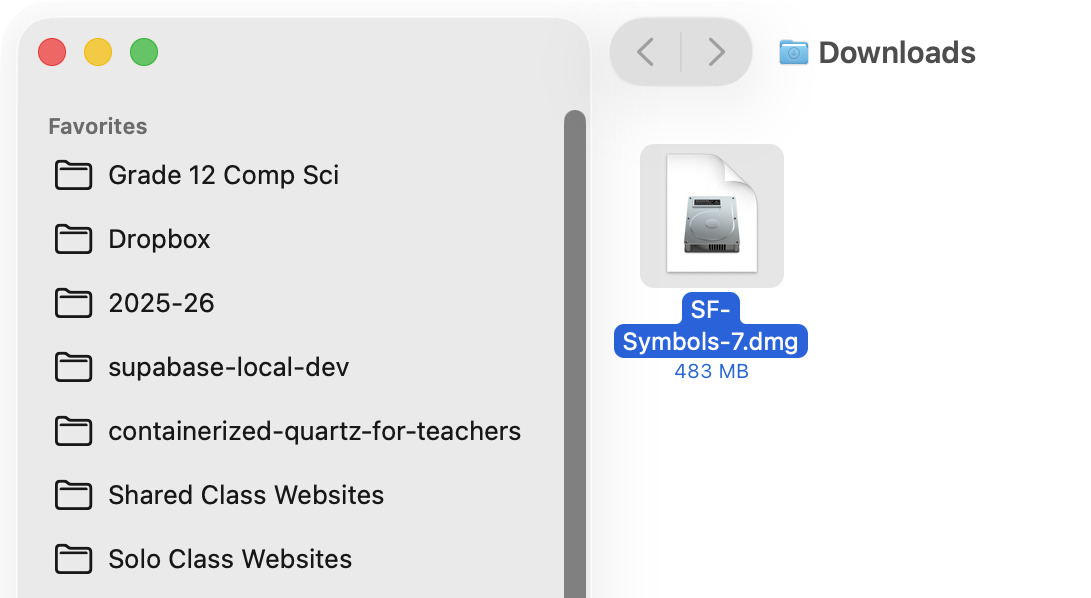
Once you download the installer, you need to double-click the file in your Downloads folder:
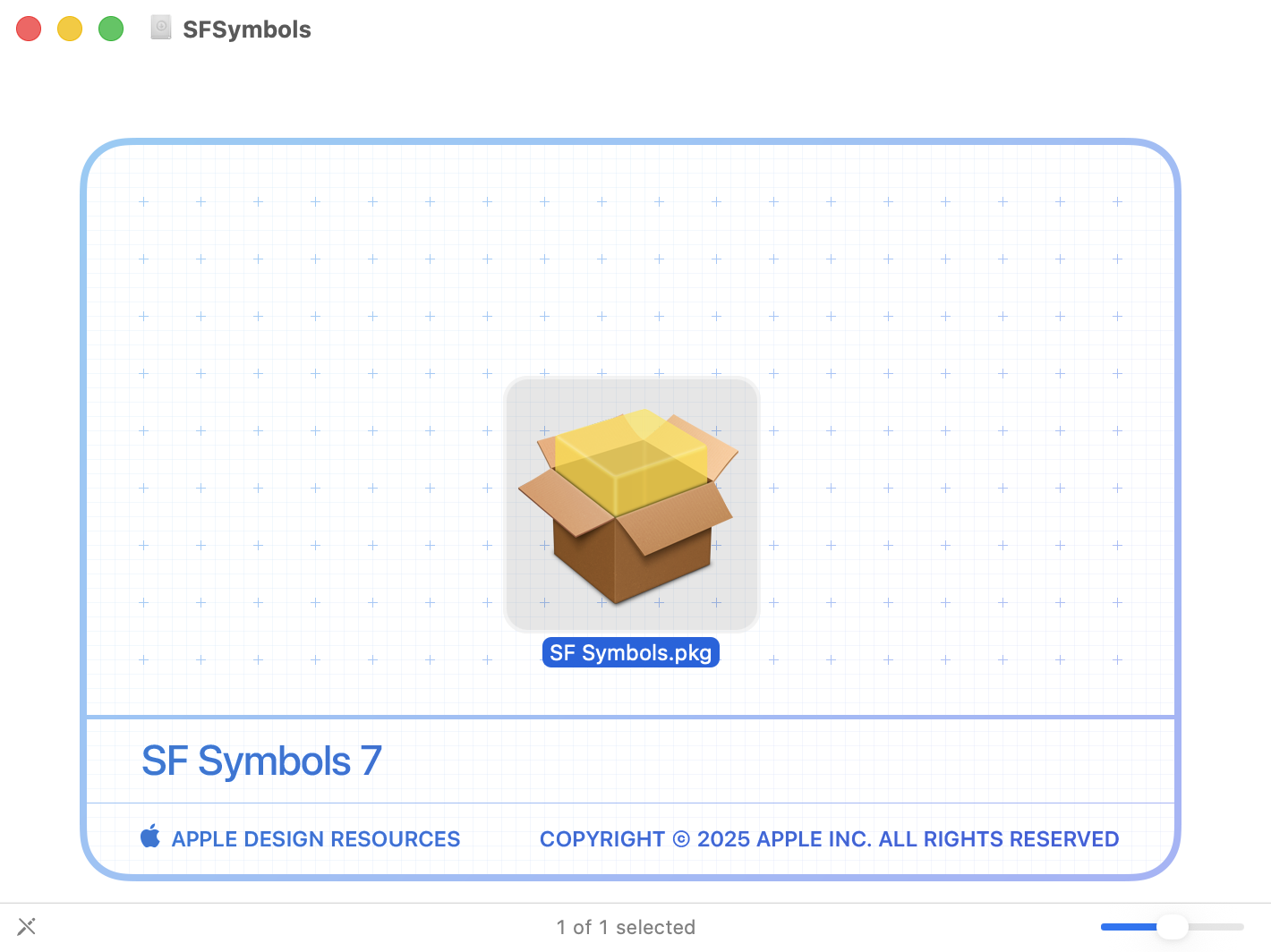
When the following window opens, double-click the SF Symbols.pkg file to open the installer:
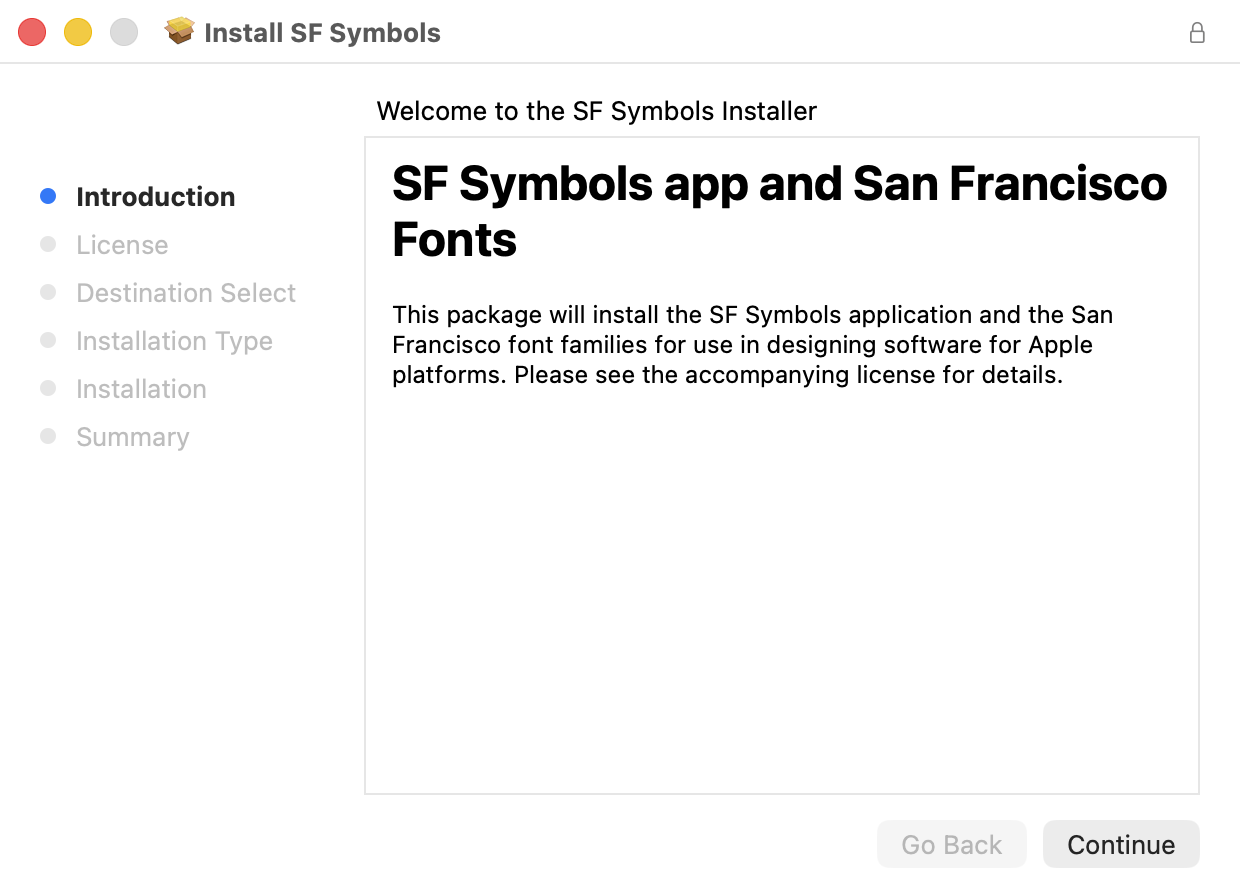
Follow the prompts in the installer program, accepting the default options provided:
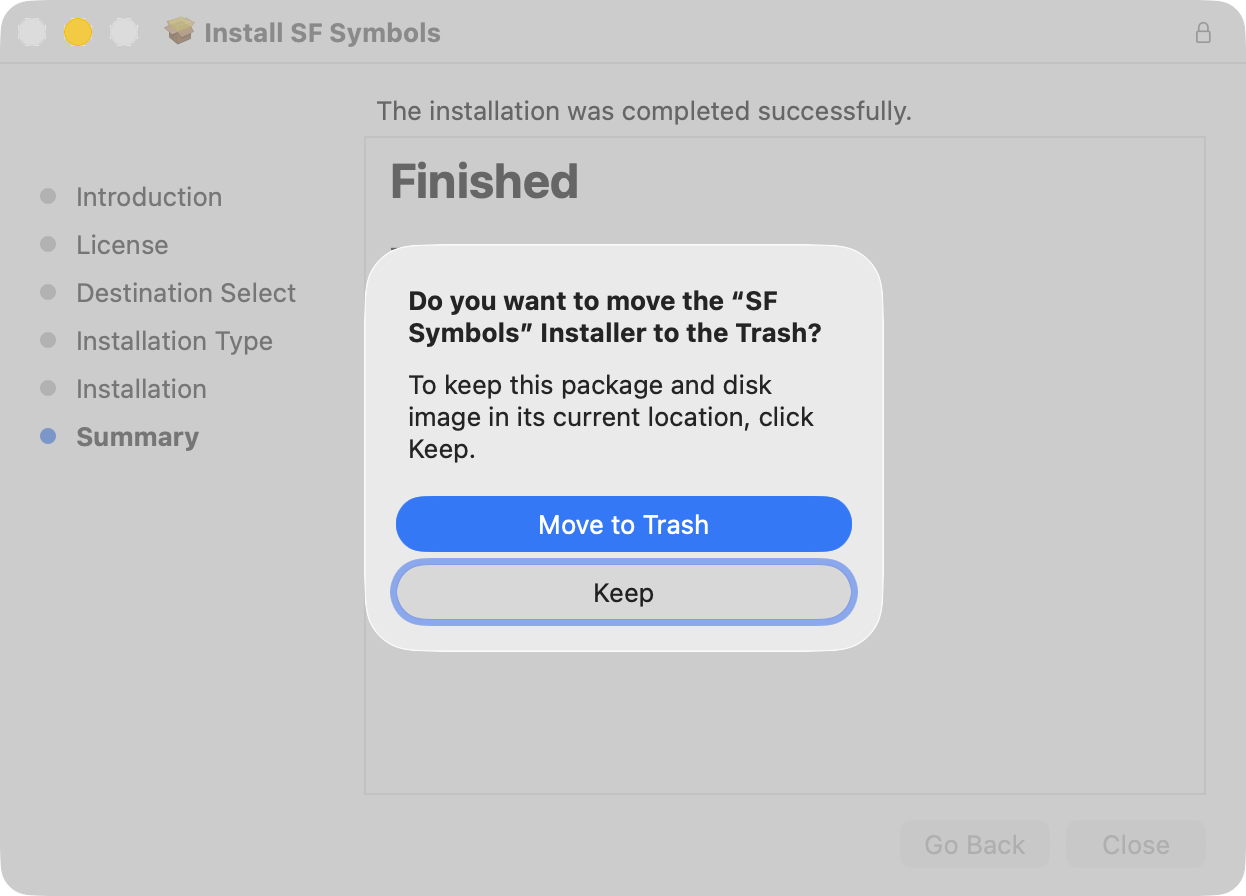
After the SF Symbols app has been installed, accept the offer to move the installer file to the Trash:
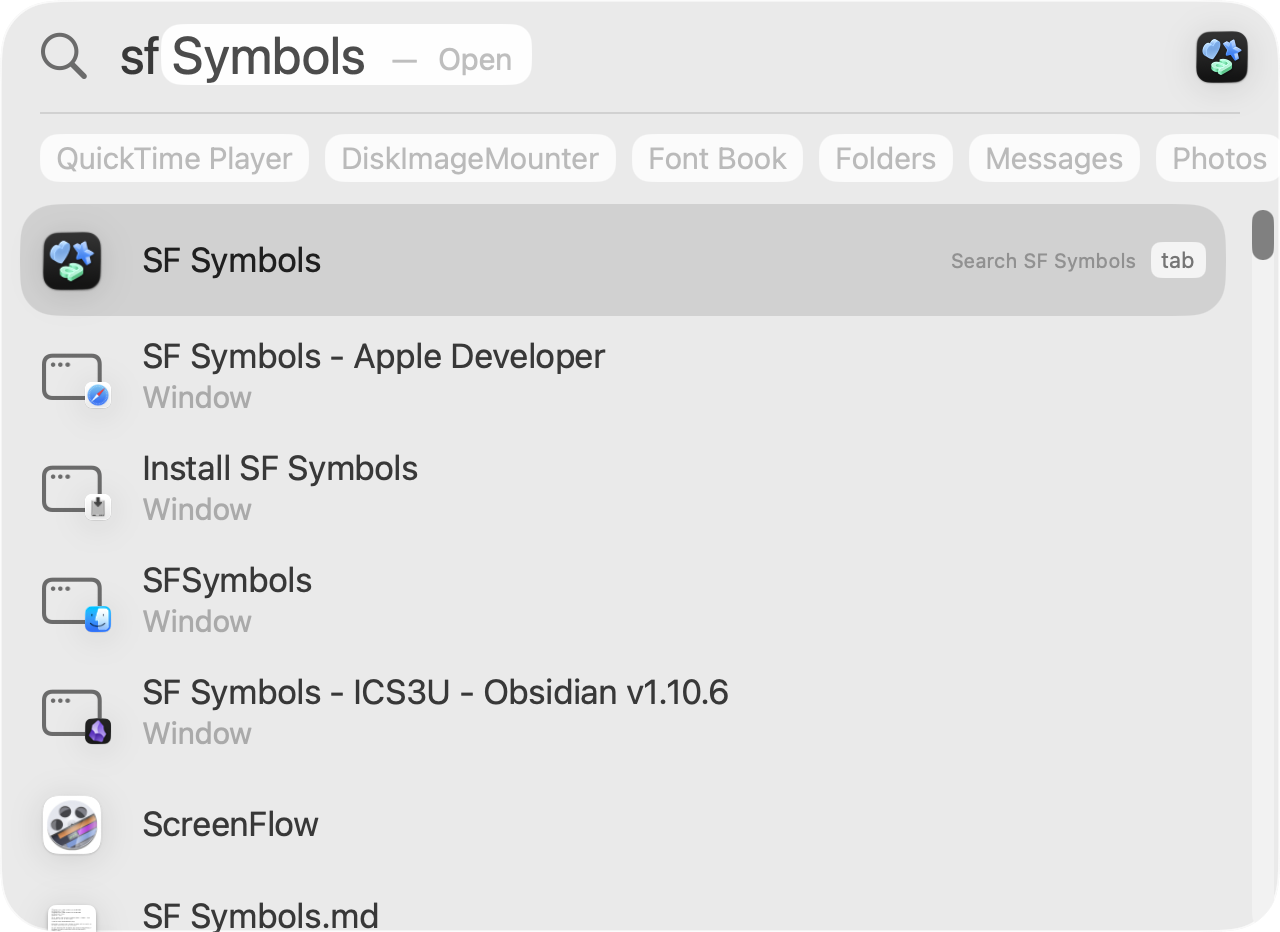
Then, you can launch the SF Symbols app itself by using Spotlight – activate using Command-Spacebar: