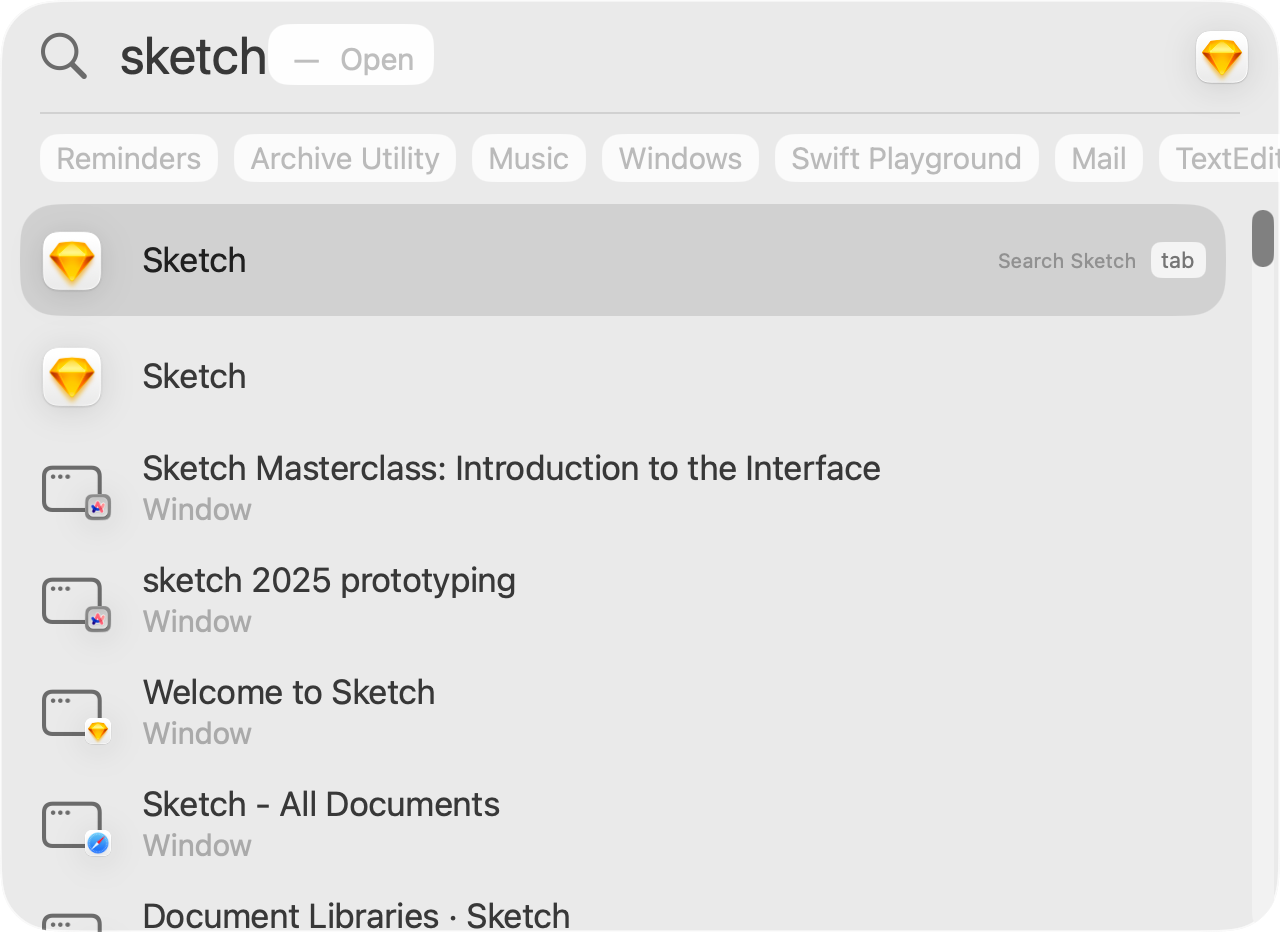
Sketch is a design tool that we will use to create fully interactive prototypes – that can even run directly on an iPhone or iPad:
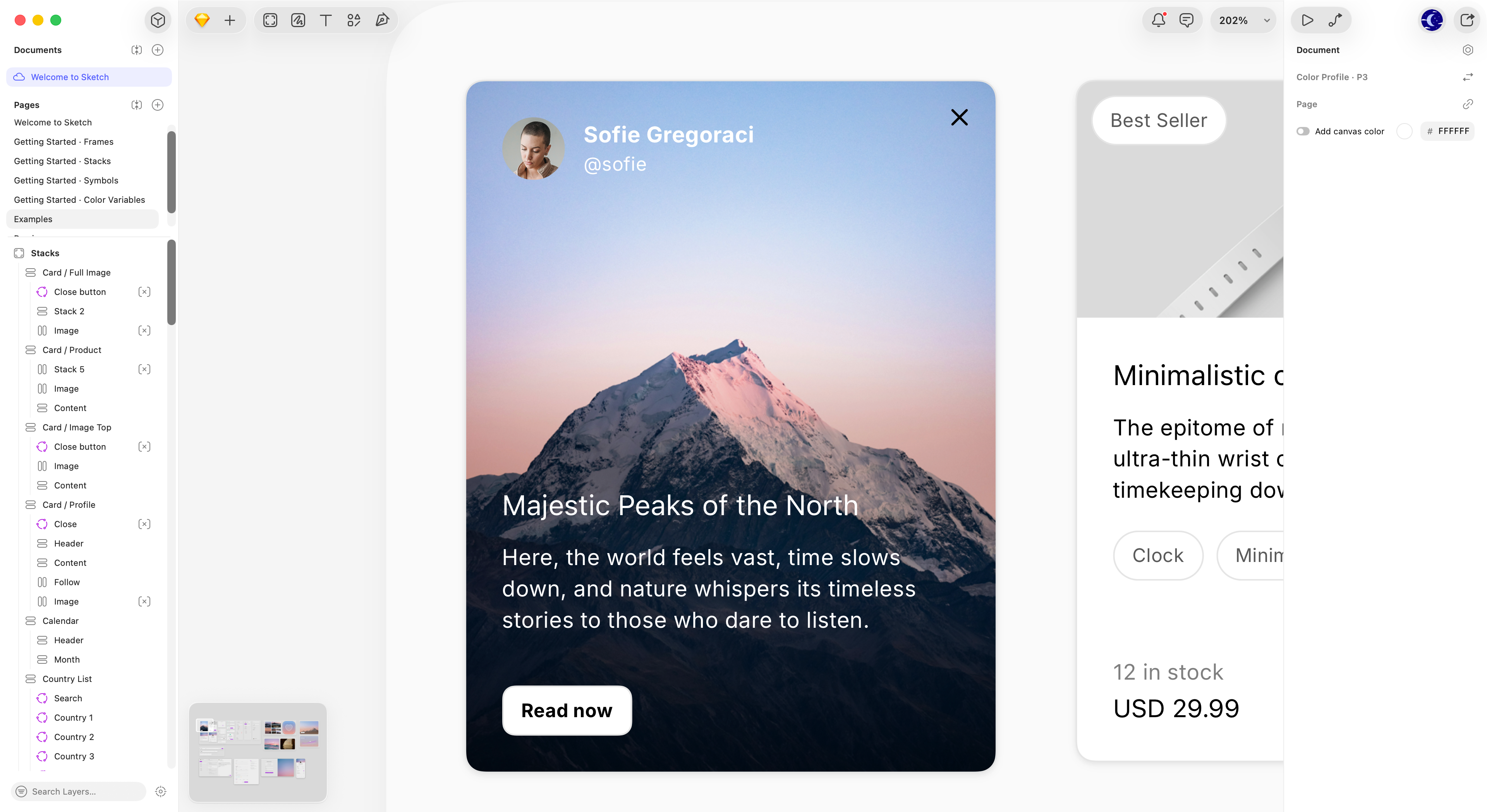
We need to:
- Sign in to Sketch
- Please use your LCS Google account:
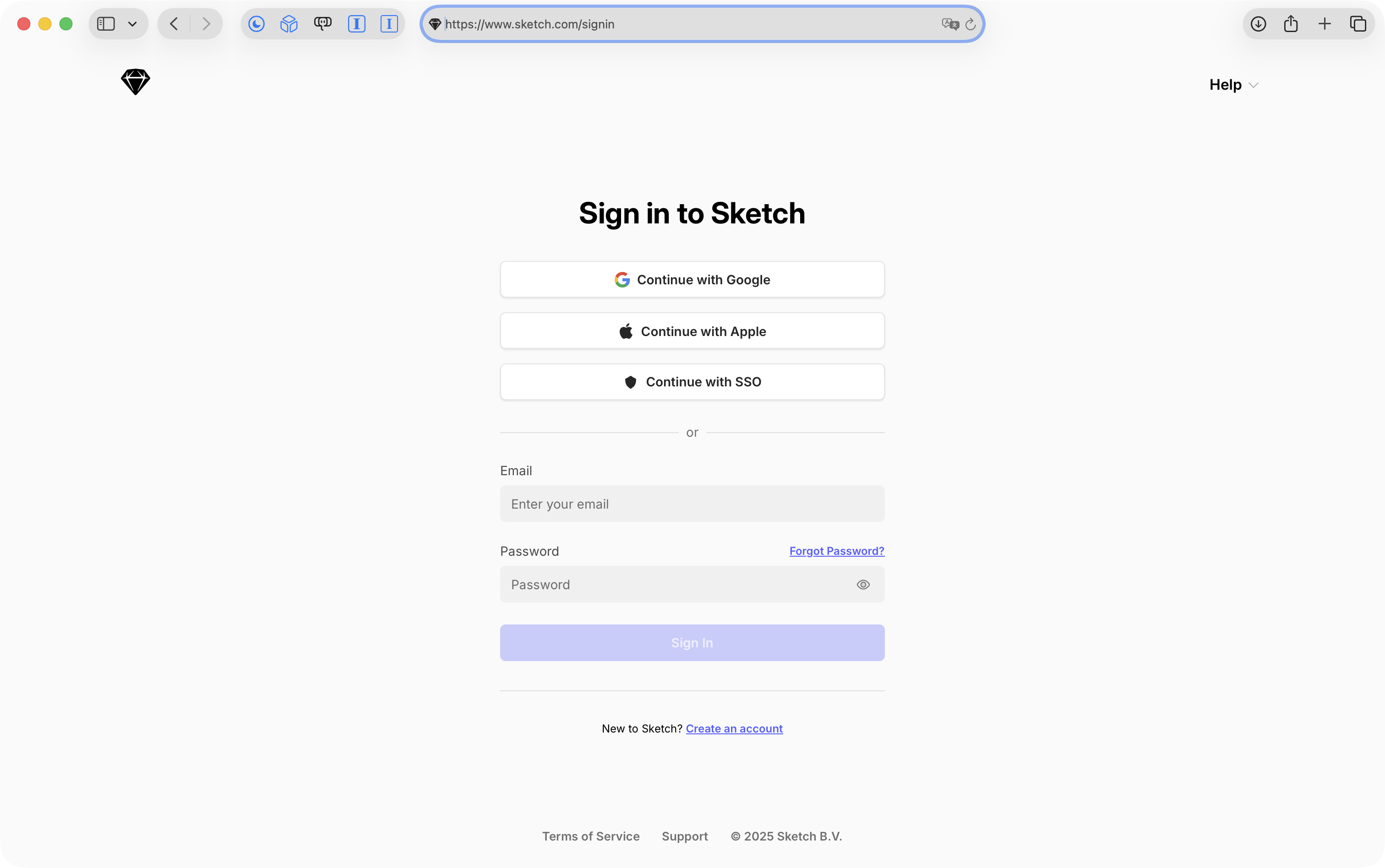
- Please use your LCS Google account:
- Download the Mac app
- You should see this screen while the app downloads:

- Once the app has downloaded, you may need to double-click the resulting Zip file to obtain the Sketch app file:
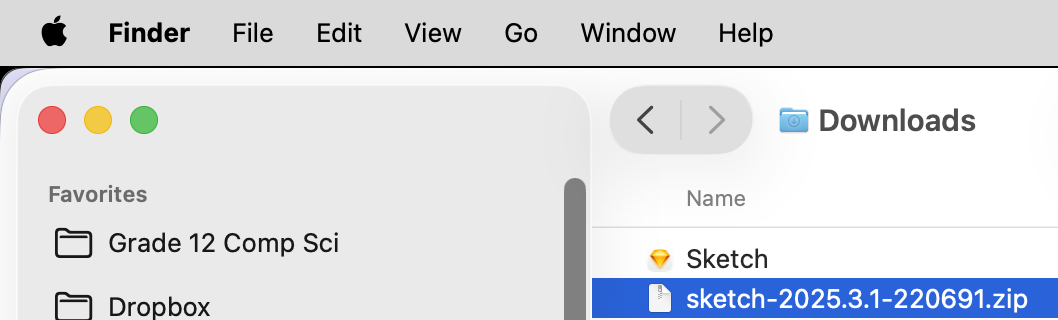
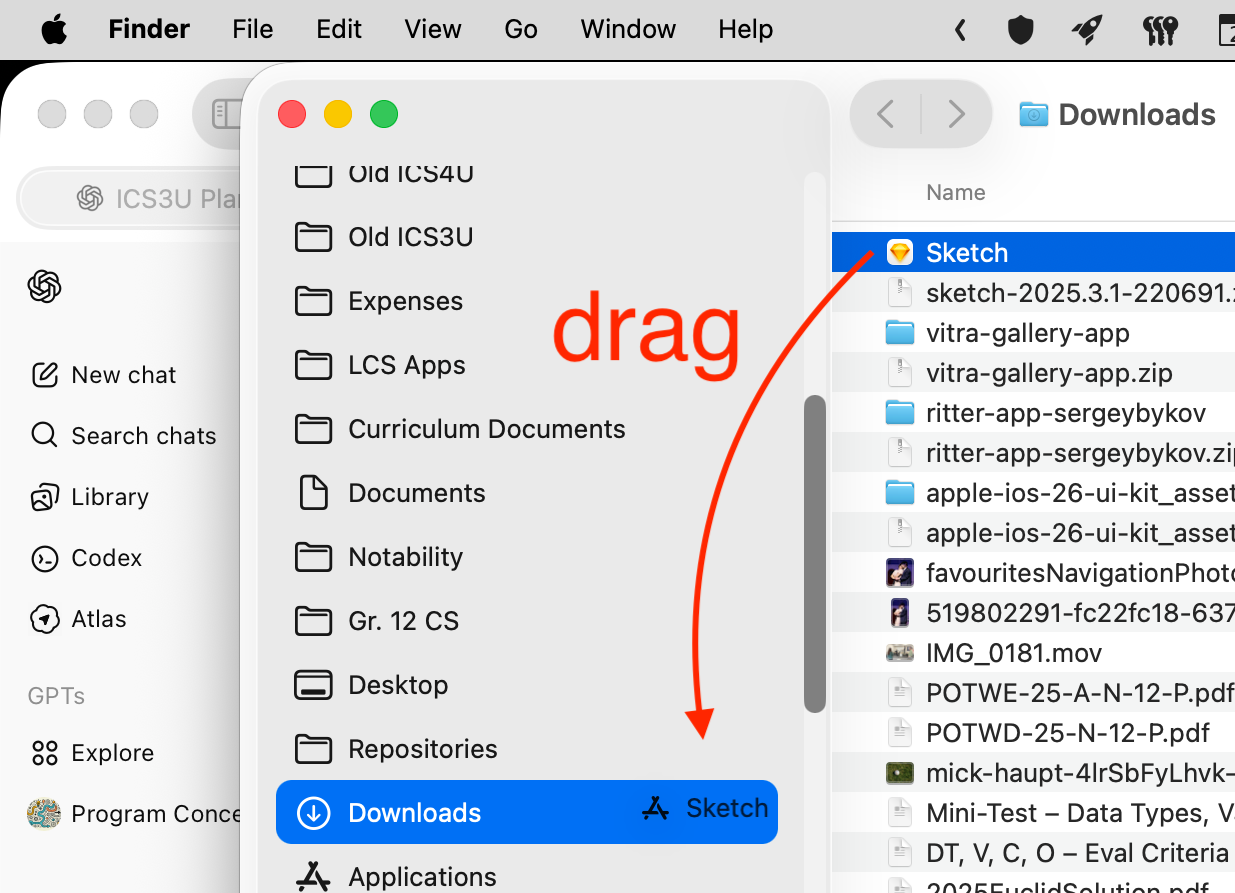
- To install Sketch, drag the Sketch icon to your Applications folder in the Finder:
- You should see this screen while the app downloads:
IMPORTANT
Do not double-click the Sketch app while it is in your Downloads folder.
It should be moved to the Applications folder, as described above.
You can then run Sketch by double-clicking the icon from the Applications folder, or, by using Spotlight (Command-Spacebar to activate):