As mentioned earlier, GitHub is a service that allows us to backup our local repositories to a remote stored on their servers “in the cloud”.
TIP
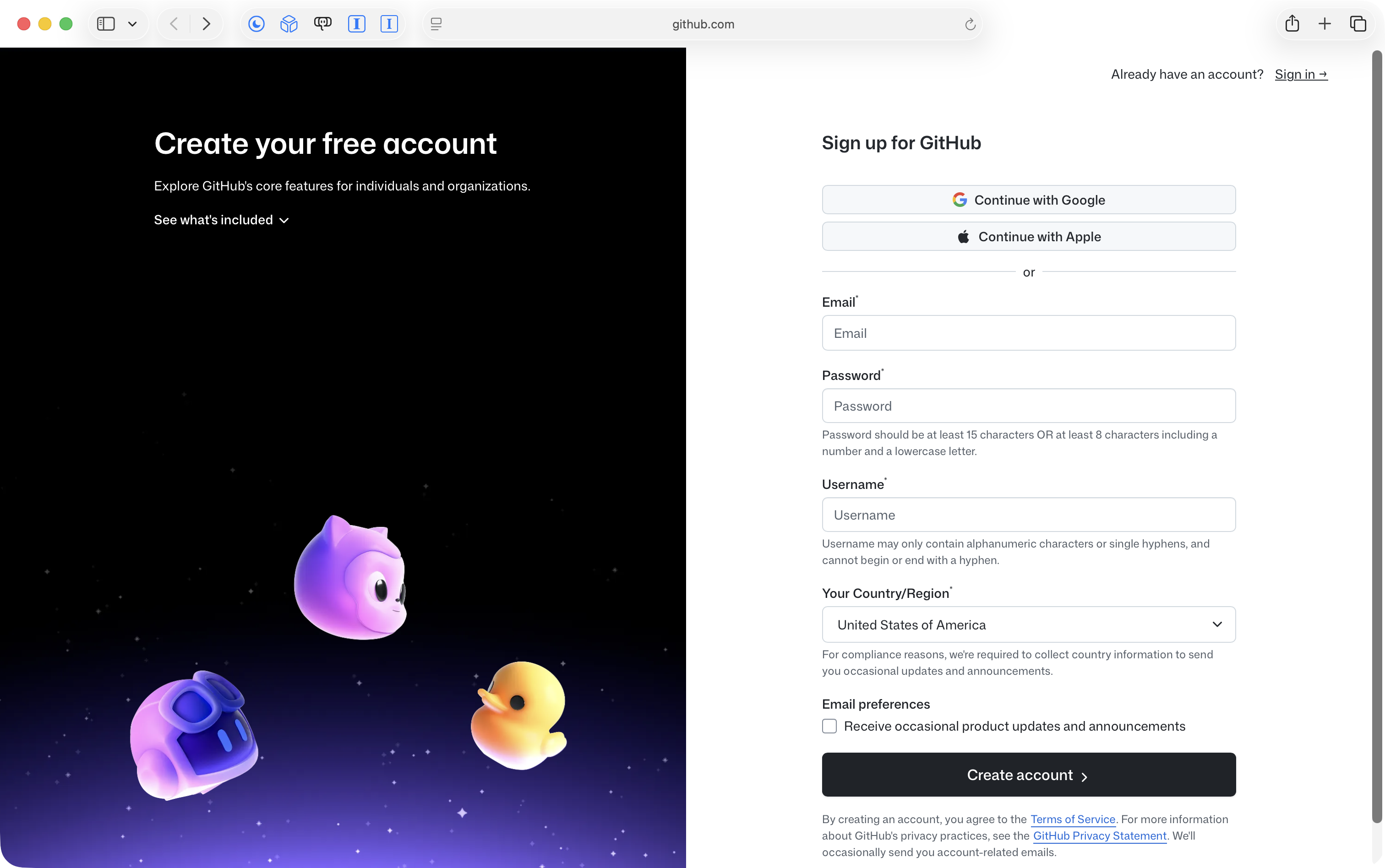
The user interface of the GitHub signup flow tends to change fairly often. It may look a little bit different than what is pictured here, but the key steps to follow are described below.
Please visit this page to sign up for GitHub, and you will see something like this:
IMPORTANT
Please follow the prompts given, but be sure to do two things:
Create the account against your LCS email address using the Continue with Google button.
When given the option, choose your username using the following format – here are a few examples:
Mr. Gordon’s name is Russell Gordon. He creates his username as lcs-rgordon.
One student in Mr. Gordon’s Grade 12 class is named Sophie Haber. She created her username as lcs-shaber.
Another student in Mr. Gordon’s Grade 12 class is named AJ Cooper. He created his username as lcs-acooper.
Please create your username following this same pattern.
This helps Mr. Gordon find your code later on.