The objective of this exercise is to understand how the use of arrays helps to manage complexity within apps that we write.
Put another way – your goal is to see how using an array makes code more compact and less repetitive and an app more flexible for end users.
Requirements
One of the two members of your group needs to have installed the Google Gemini CLI.
NOTE
If neither member of your group has the Gemini CLI installed, let Mr. Gordon know now, so he can move people between groups.
Exercise 1: Basic MVVM
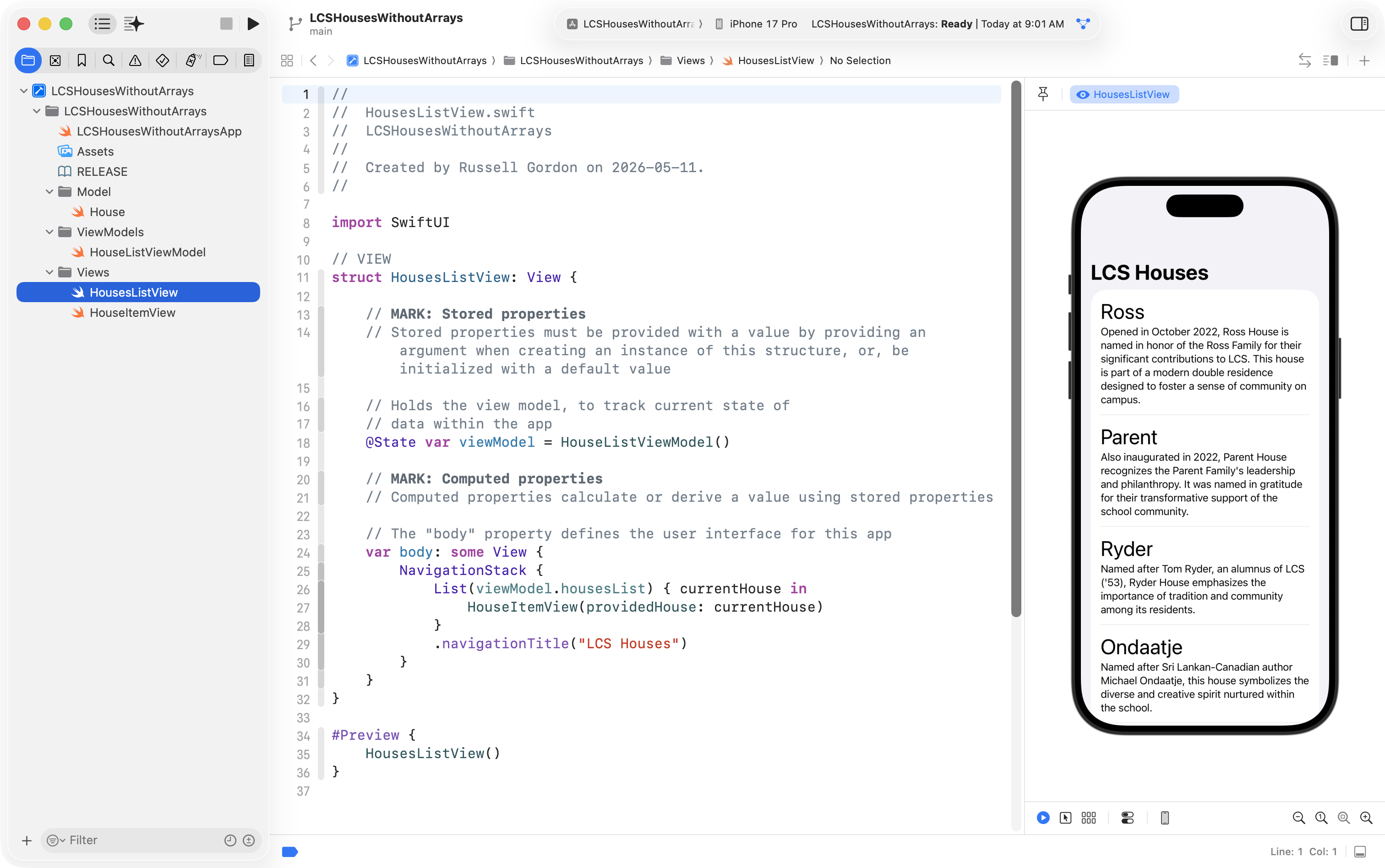
Both members of your group should now use the Basic MVVMXcode template to create a new project named LCSHousesWithoutArrays, like this:
Understand array usage
Right now, of course, the application uses an array.
Together with your partner, answer the following questions in your portfolio:
Describe the overall purpose of this program.
Identify where data is first stored in an array. Reference the specific file name and line(s) of code that accomplish this.
What is the name of the array?
Describe where the array is used in the program. For example, where it is iterated over or where are individual elements accessed, to allow the program to achieve its purpose?
What does the data stored in the array represent within the program?
Remove array usage
One member of your group should take the following steps, with their partner helping to ensure the steps are followed correctly.
Our goal is to open the Google Gemini CLI for the LCSHousesWithoutArrays project on one computer within your group.
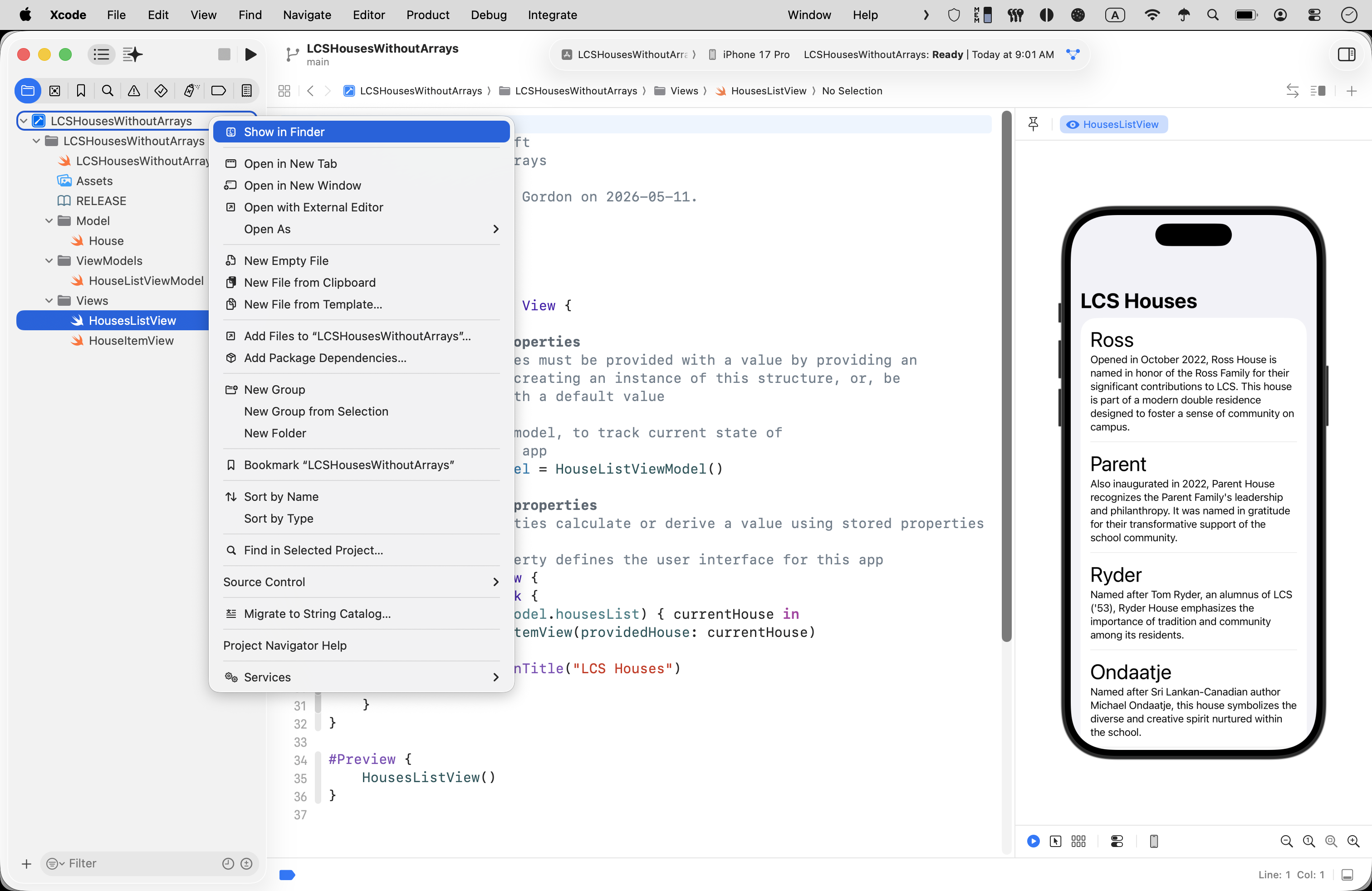
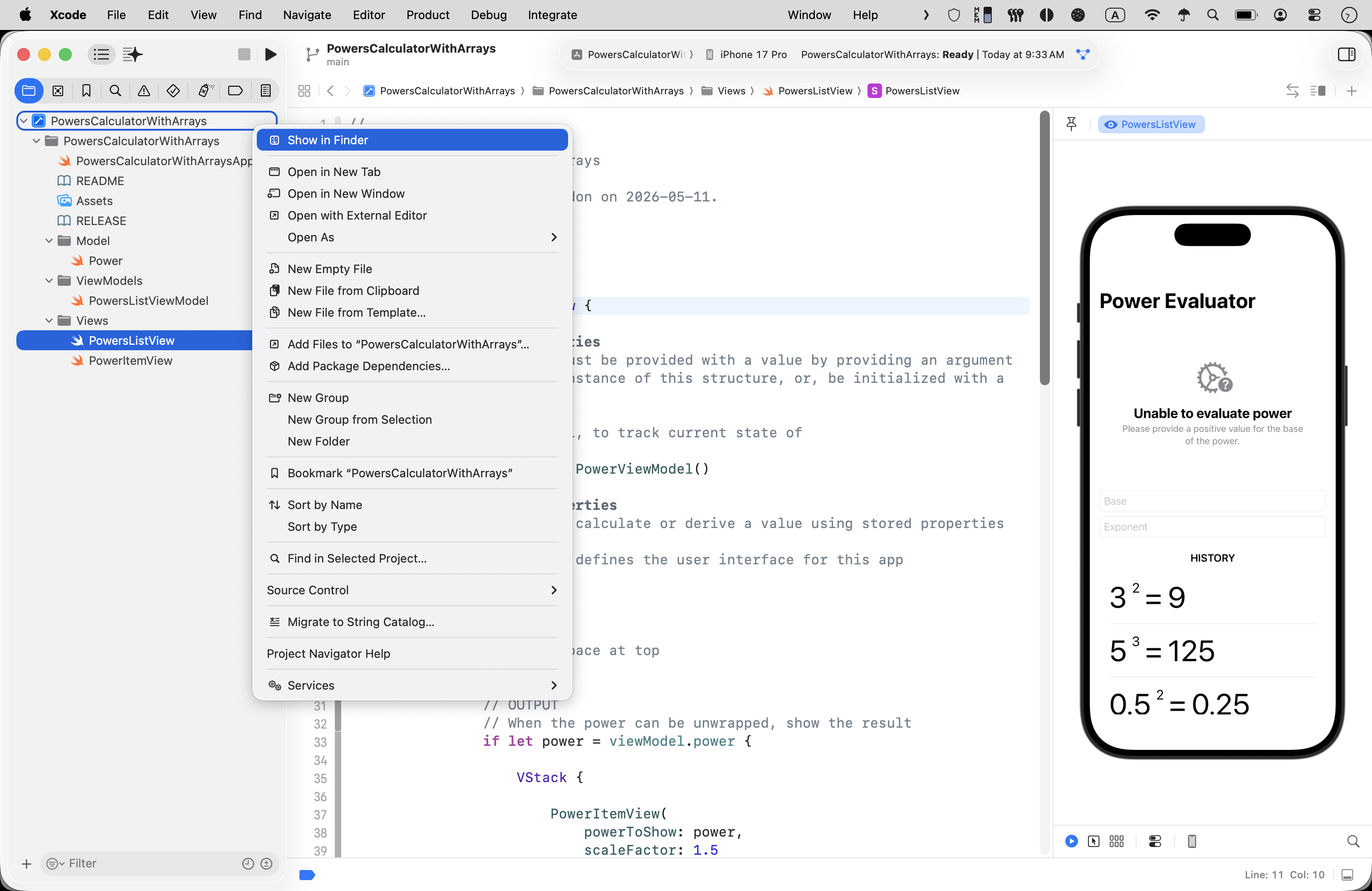
On the chosen computer, to do this, two-finger tap or right-click on the project file, and choose Show in Finder:
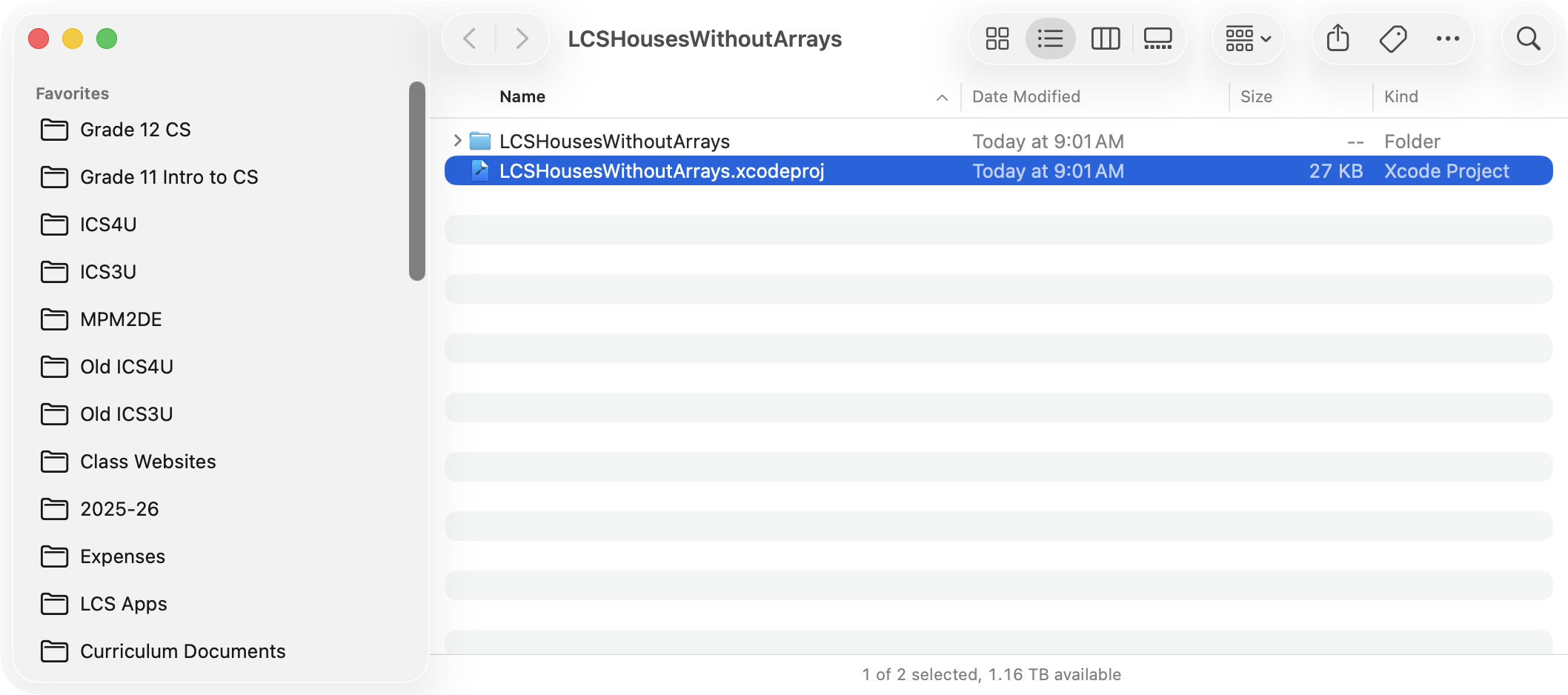
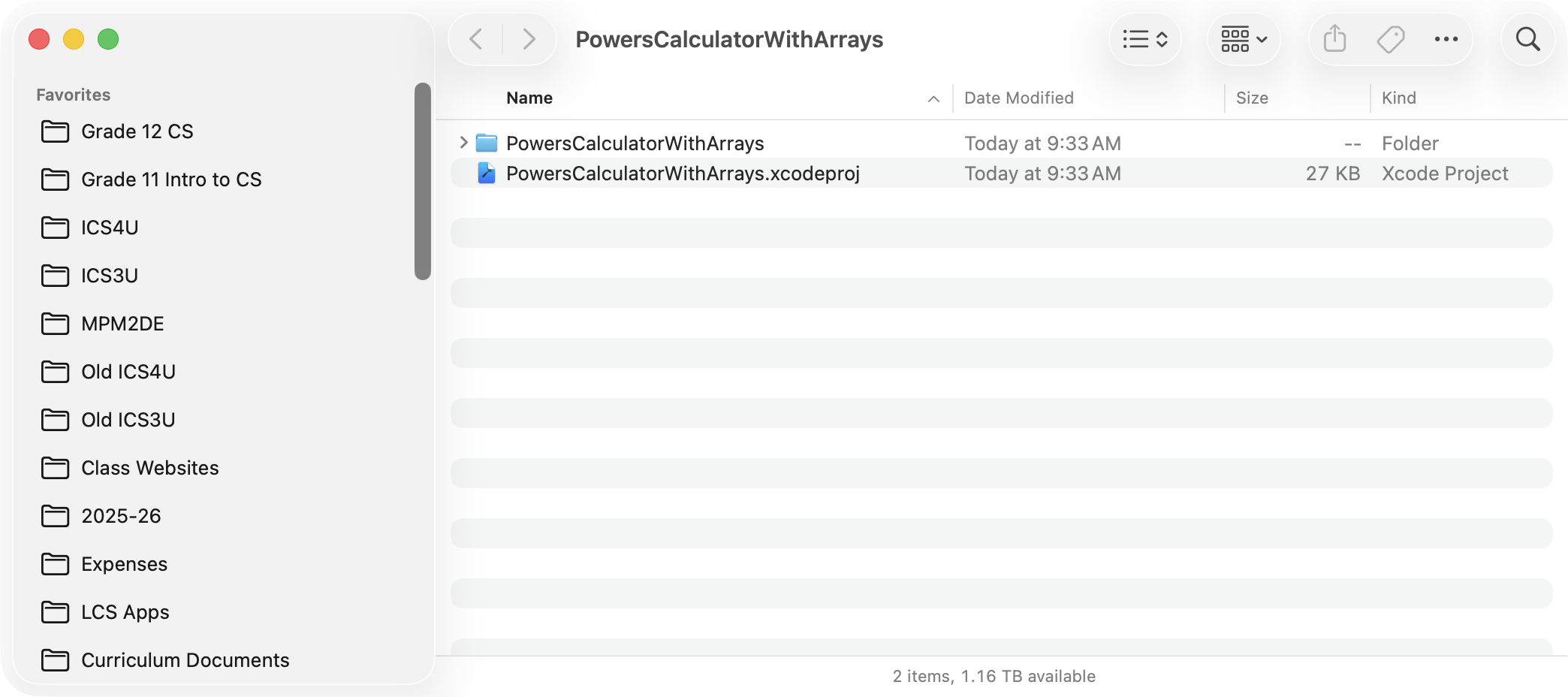
You will see this folder:
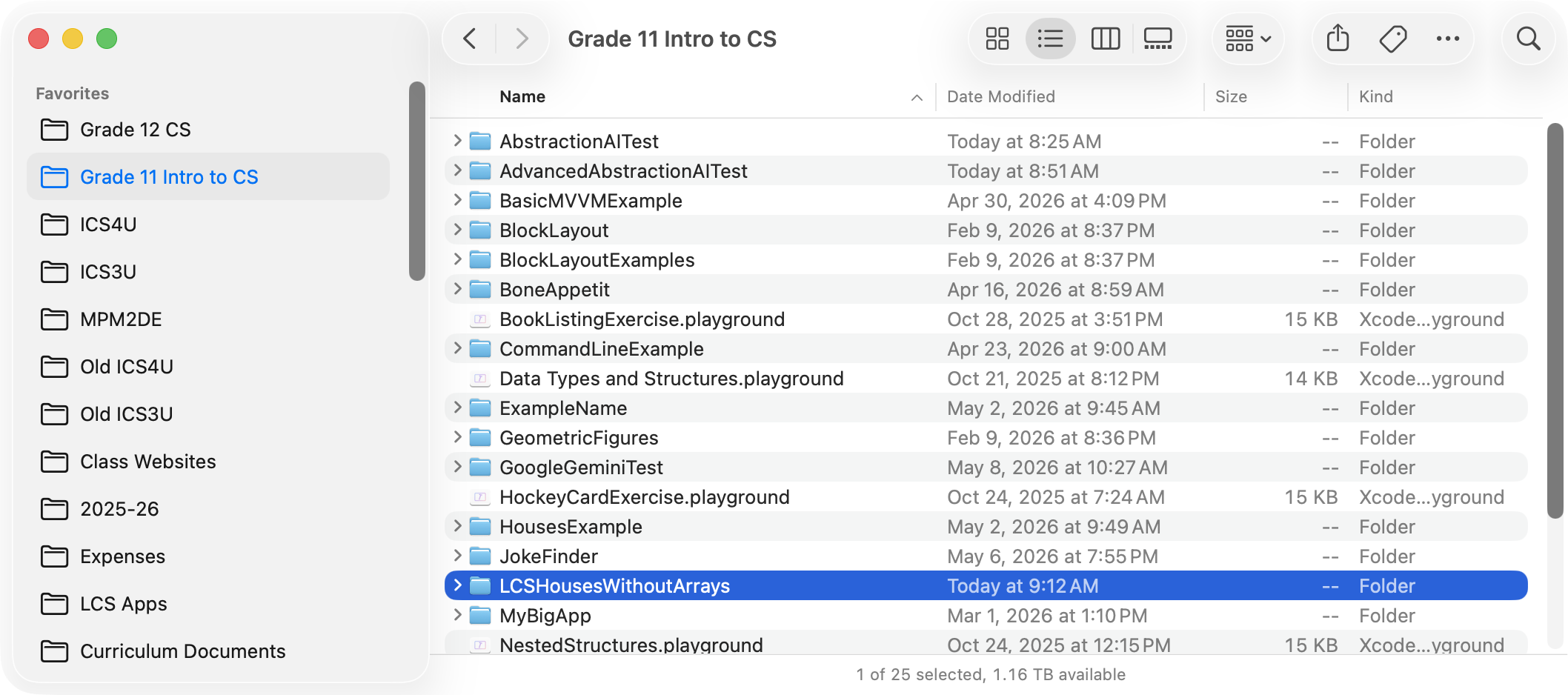
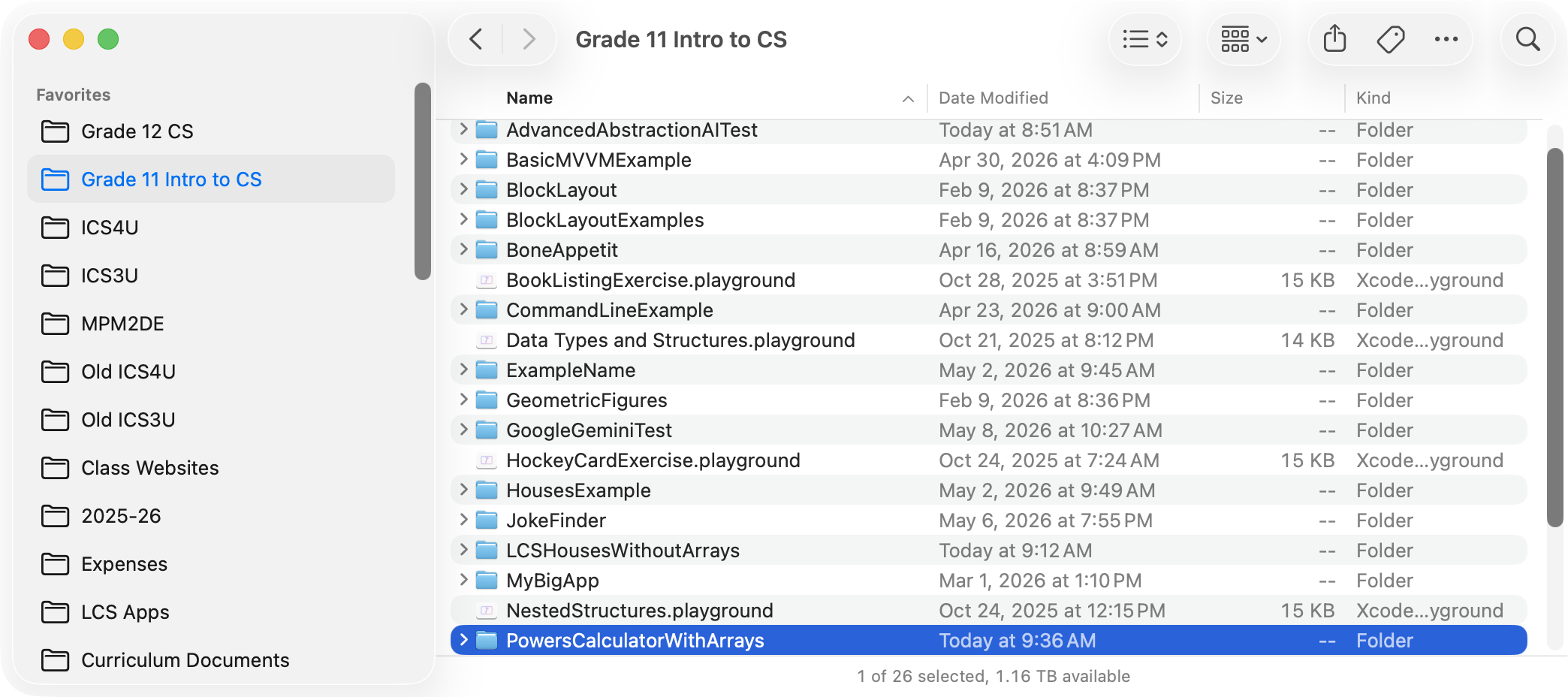
In that folder, press the Command key and the ⬆️ arrow to go up one level in your computer’s file system:
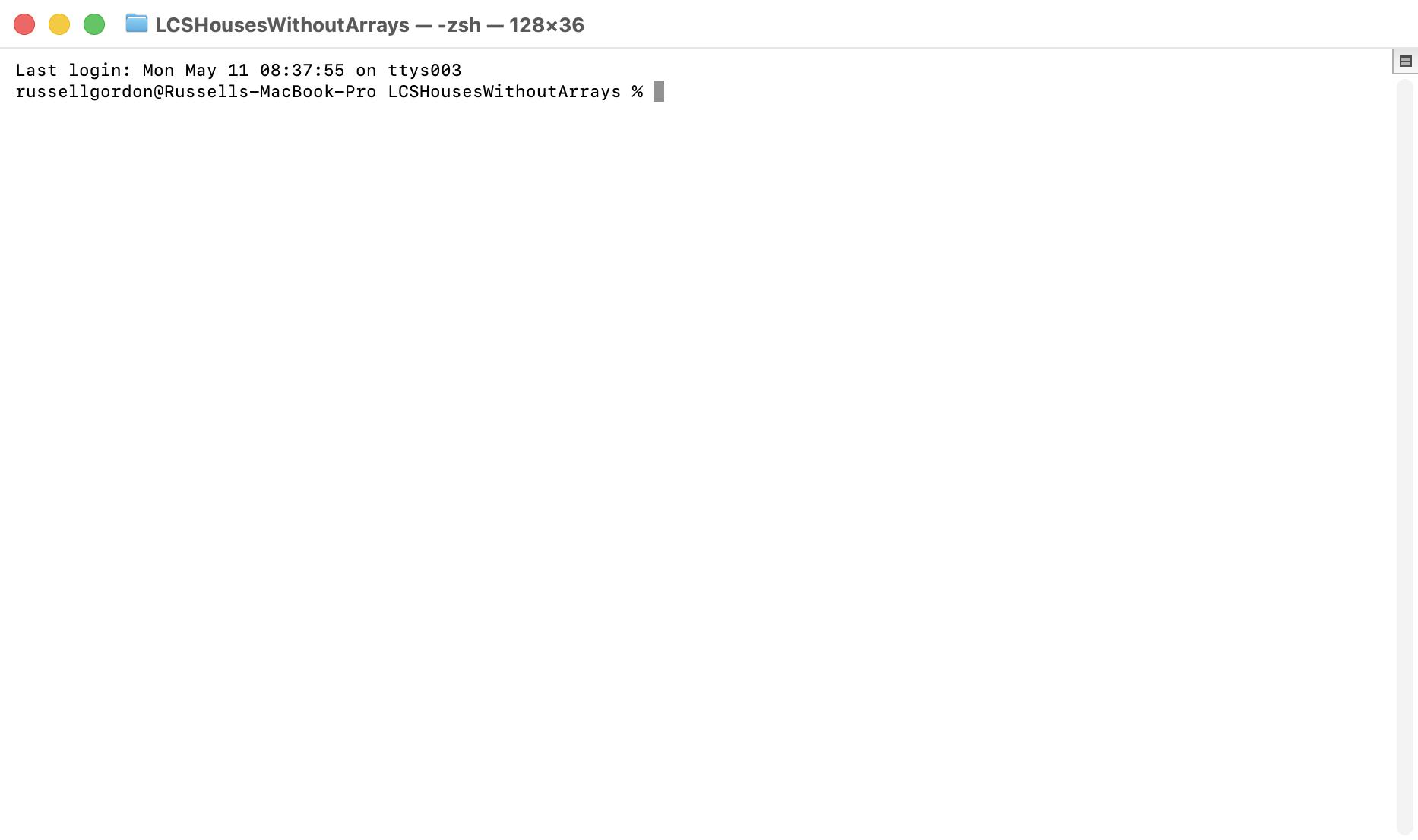
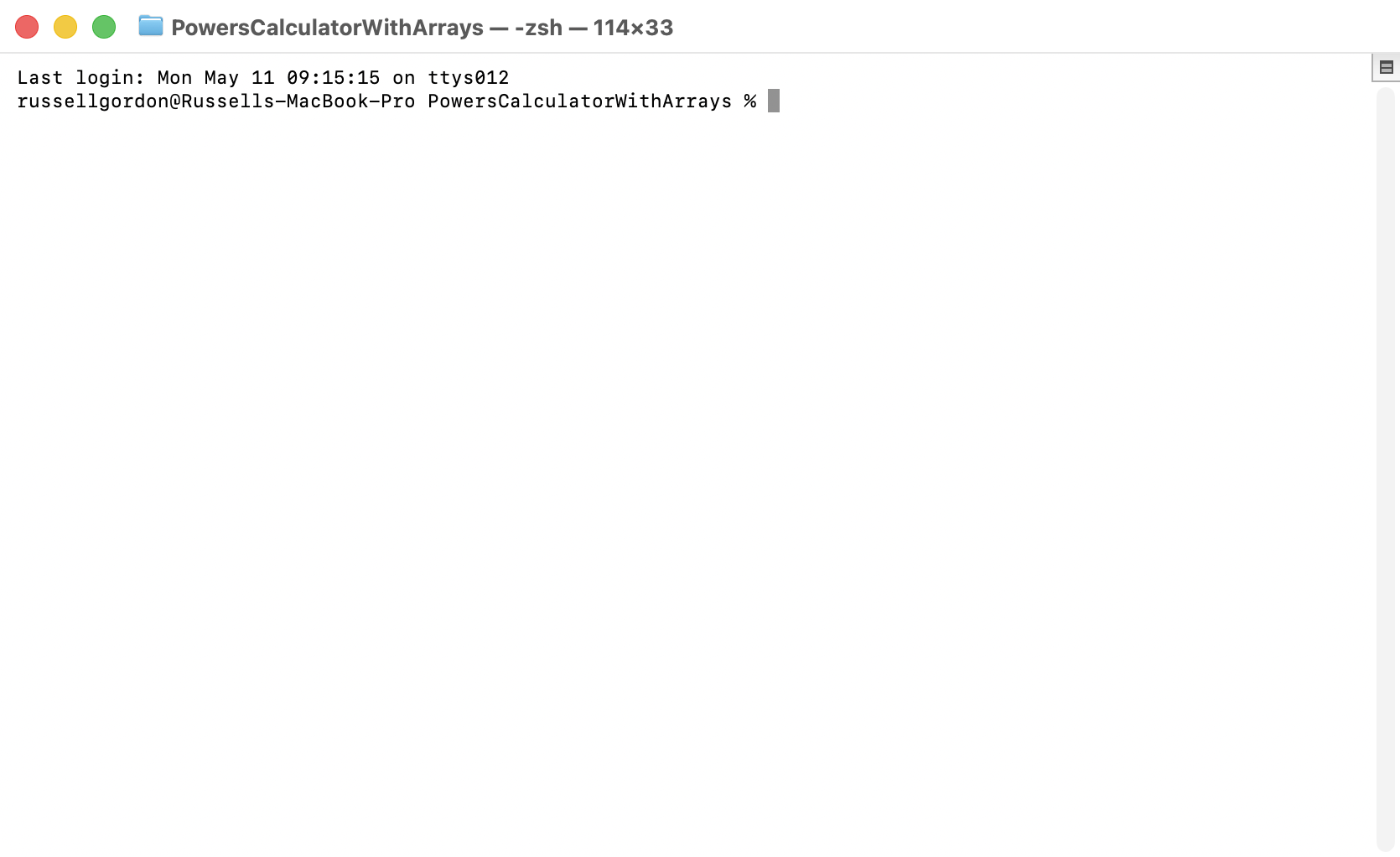
The folder you were in is now highlighted. Two-finger tap or right-click on that folder, and choose New Terminal at Folder. You will then be in a Terminal window within that folder:
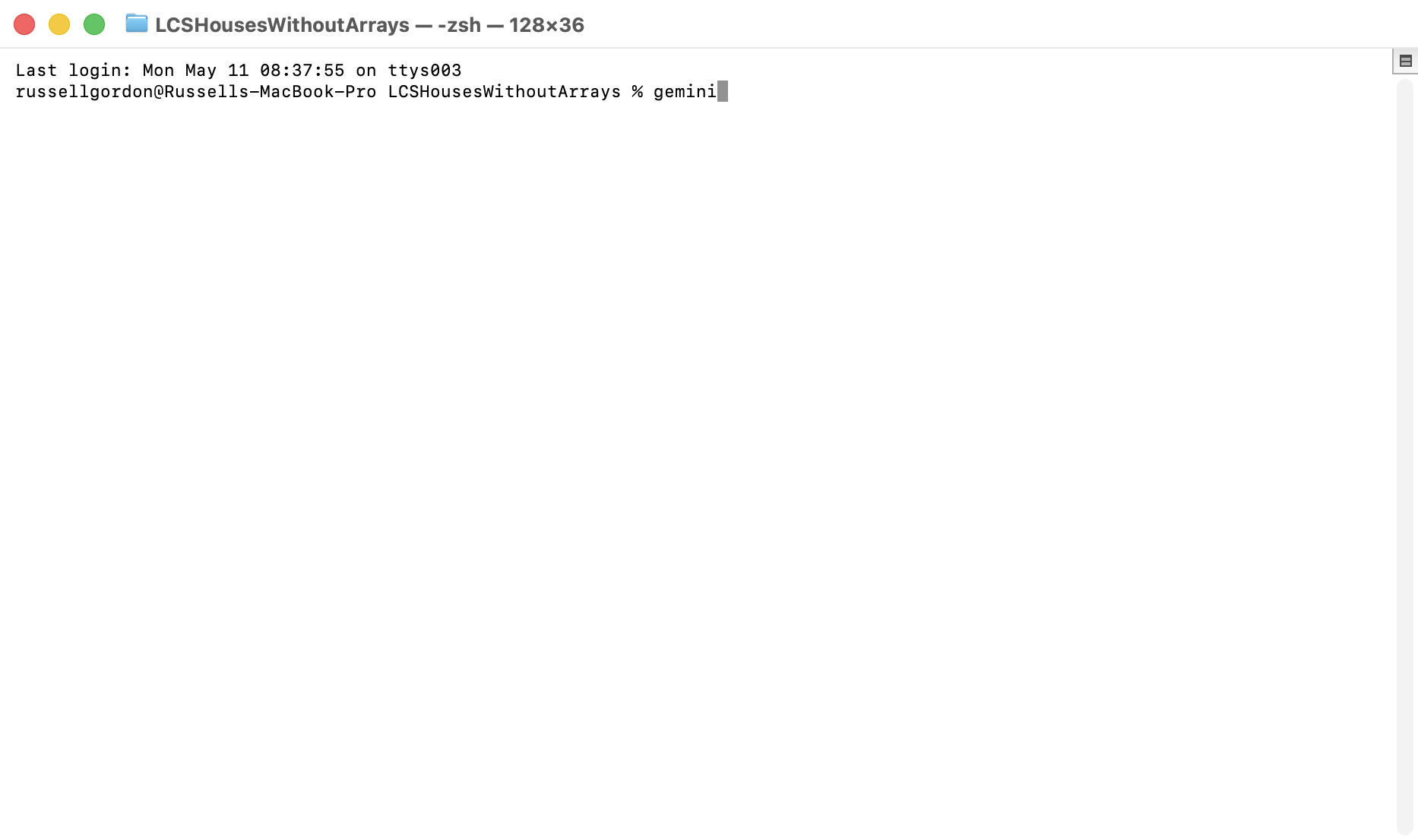
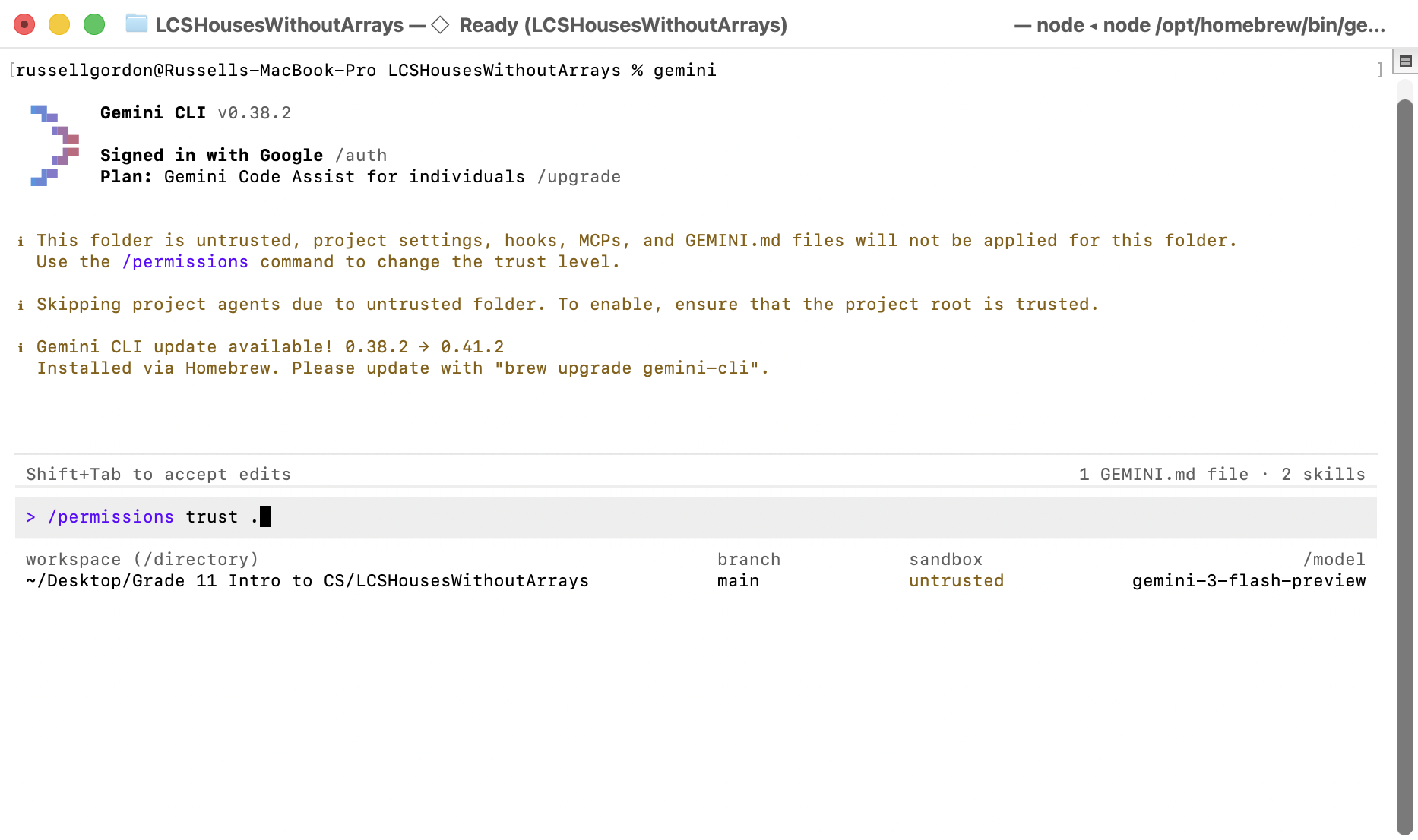
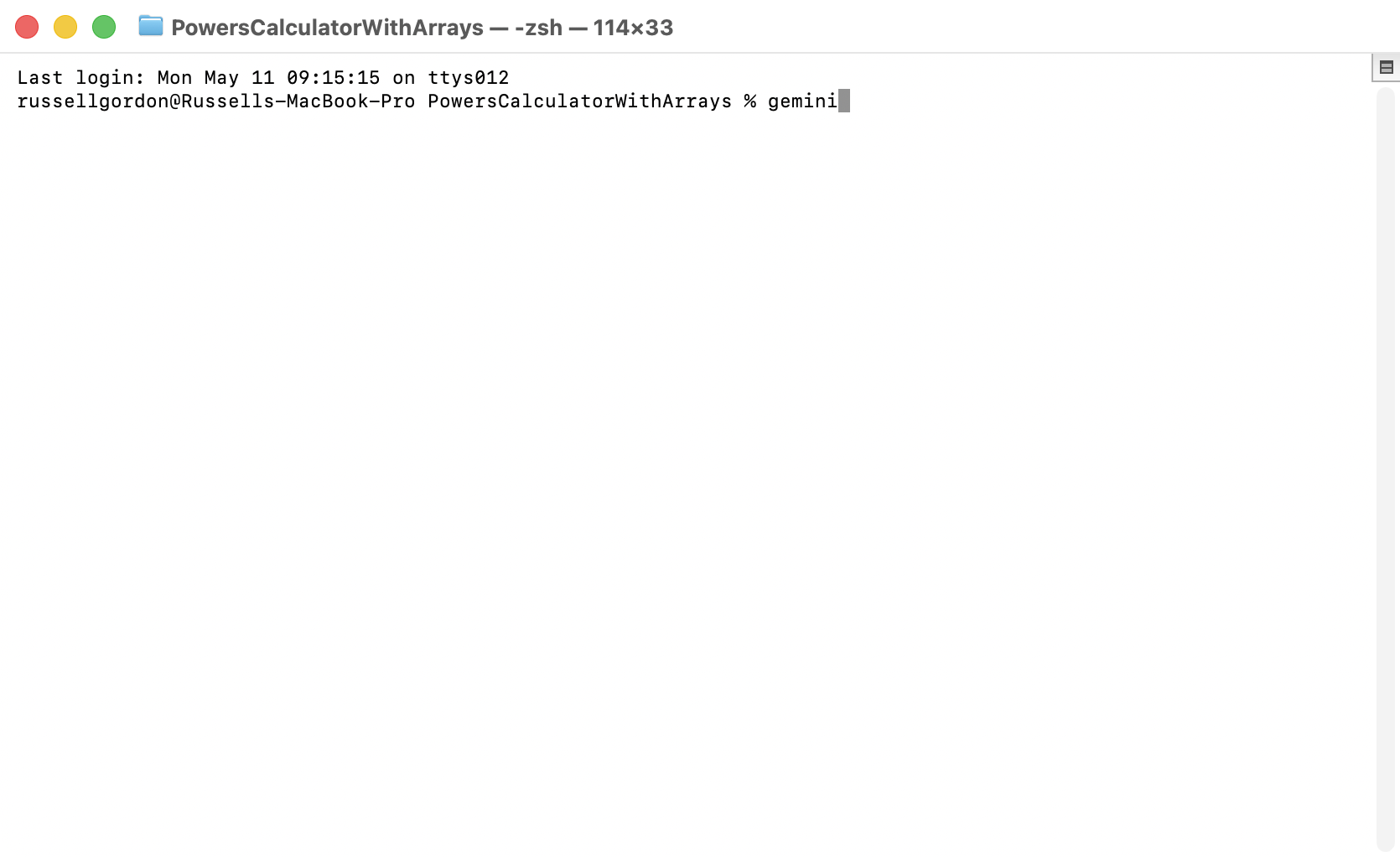
Type gemini and press Return to open the Google Gemini CLI within that folder:
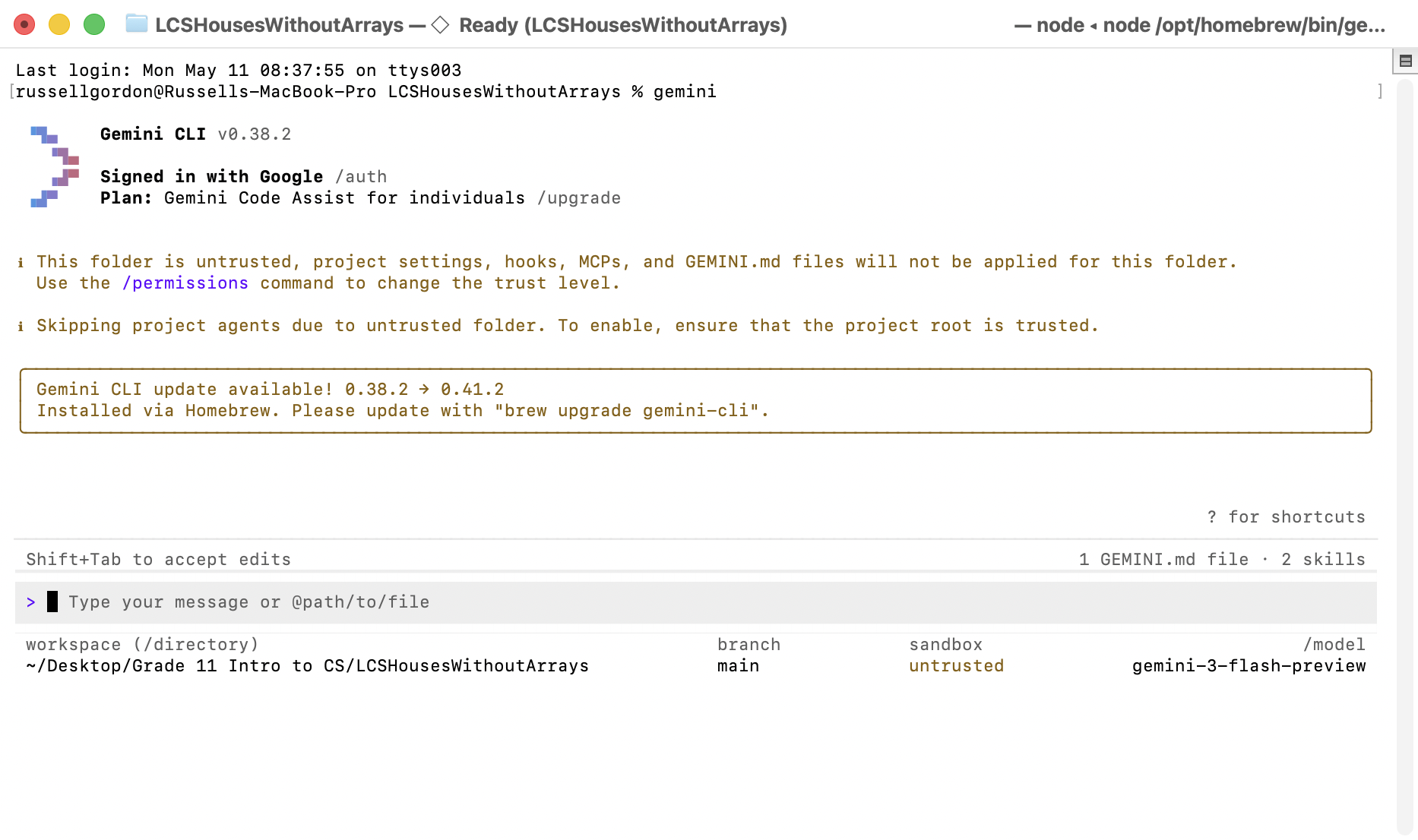
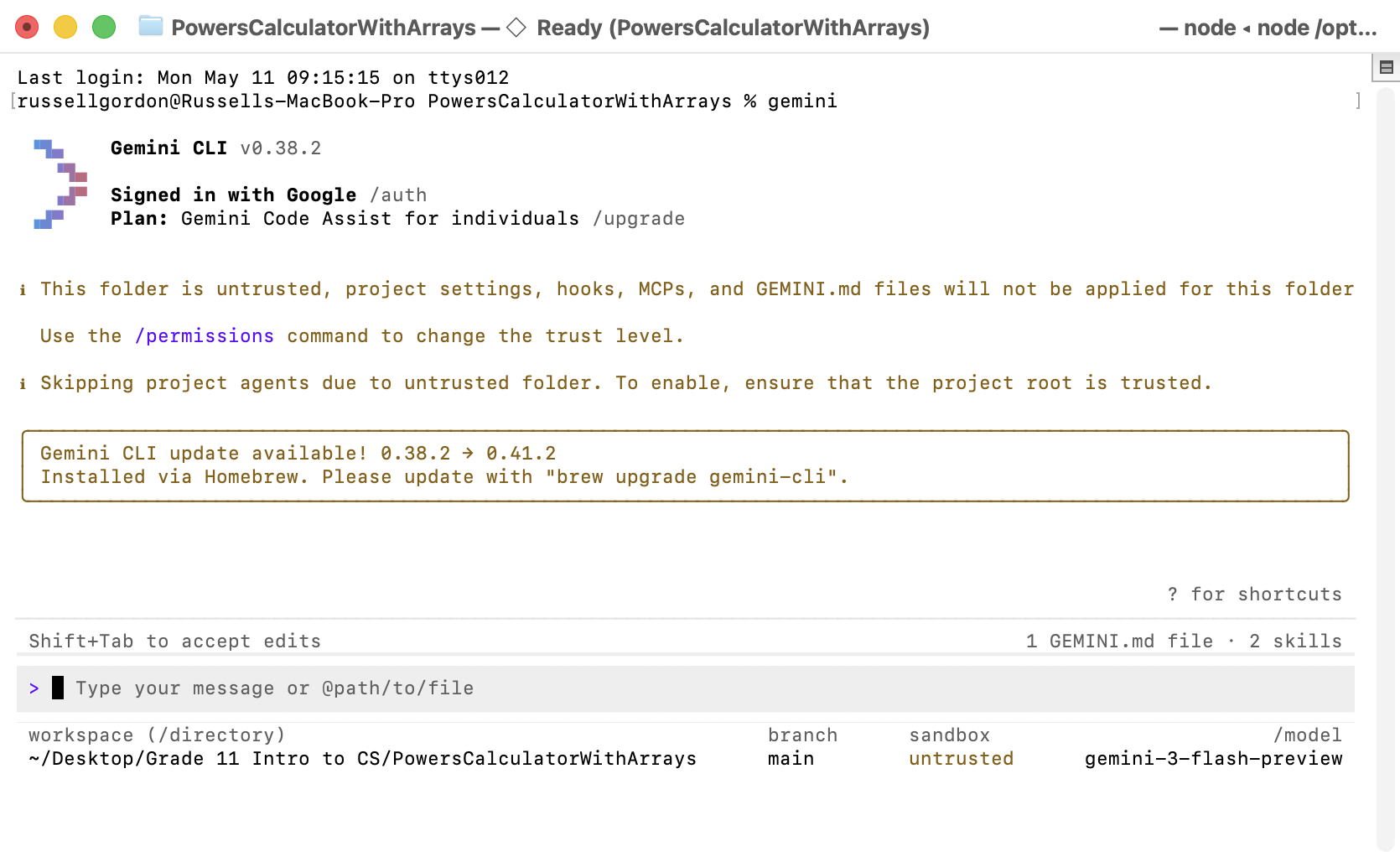
You will see something like this:
TIP
Before proceeding, you might need to sign in.
To do so, type the command:
/auth
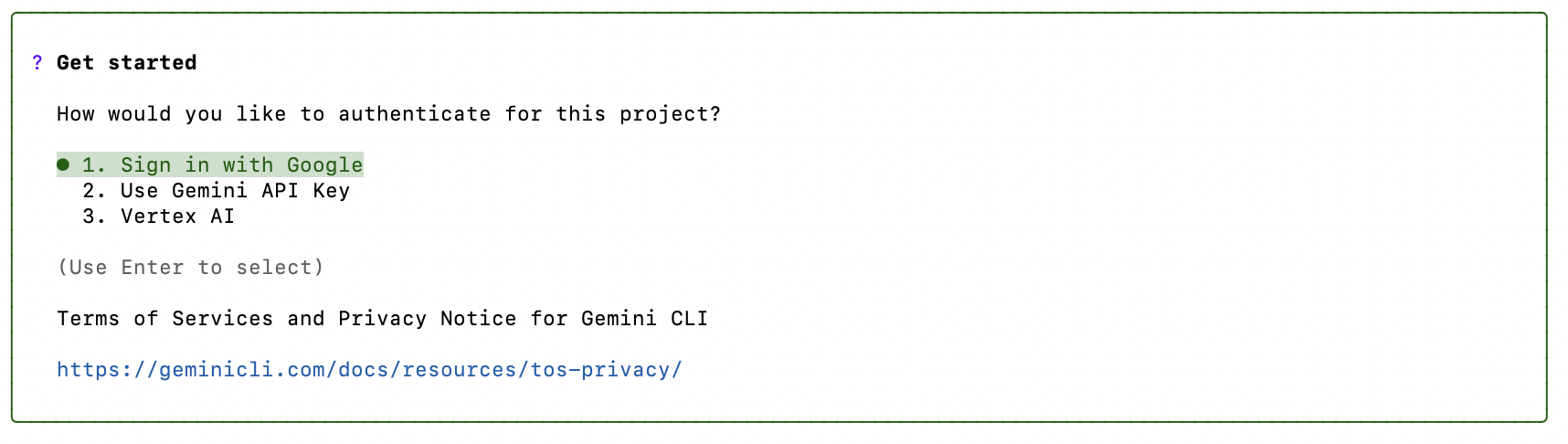
… then choose the Sign in with Google option:
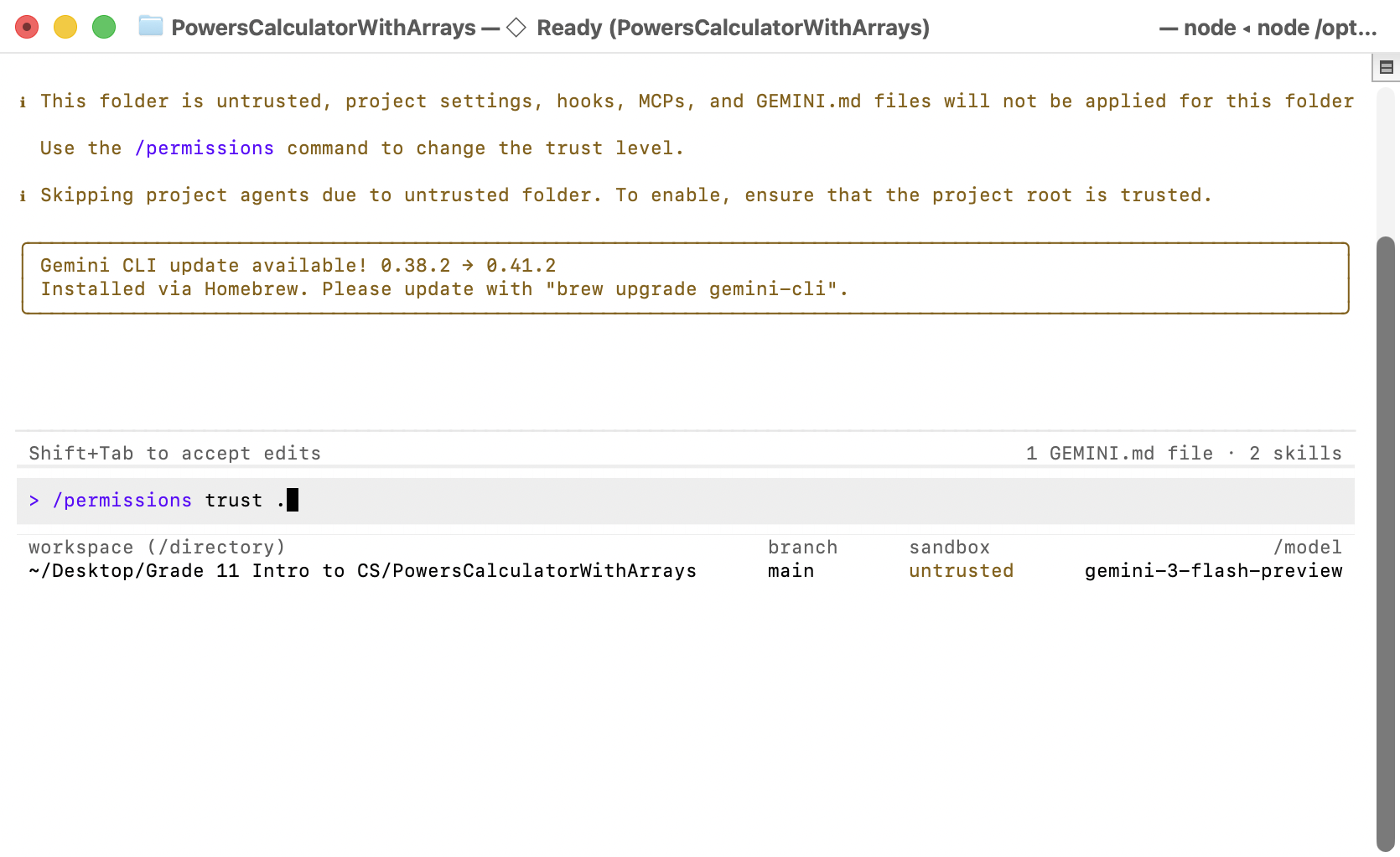
You next need to make the Gemini CLI trust the folder you are working in. Type this command:
/permissions trust .
… like this:
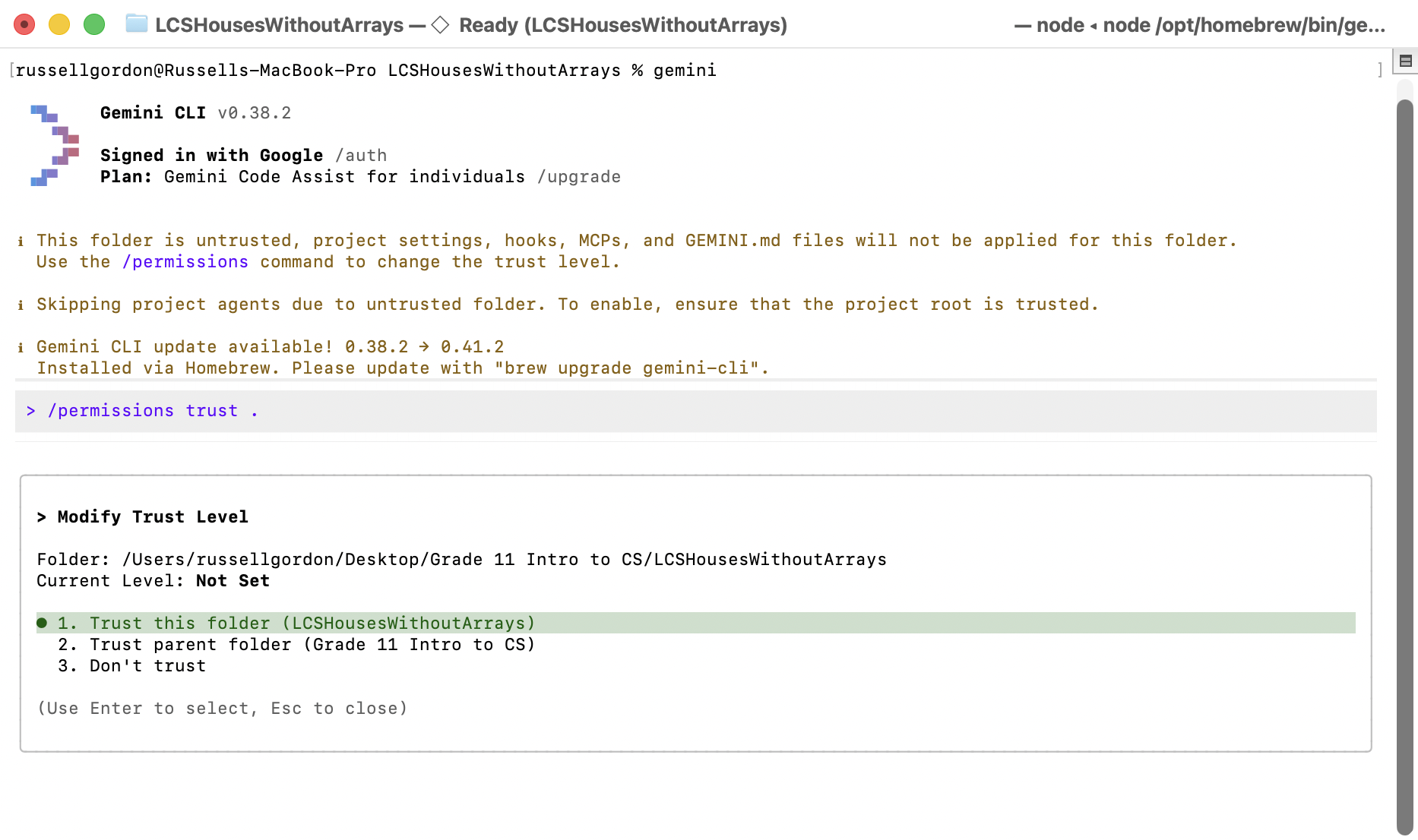
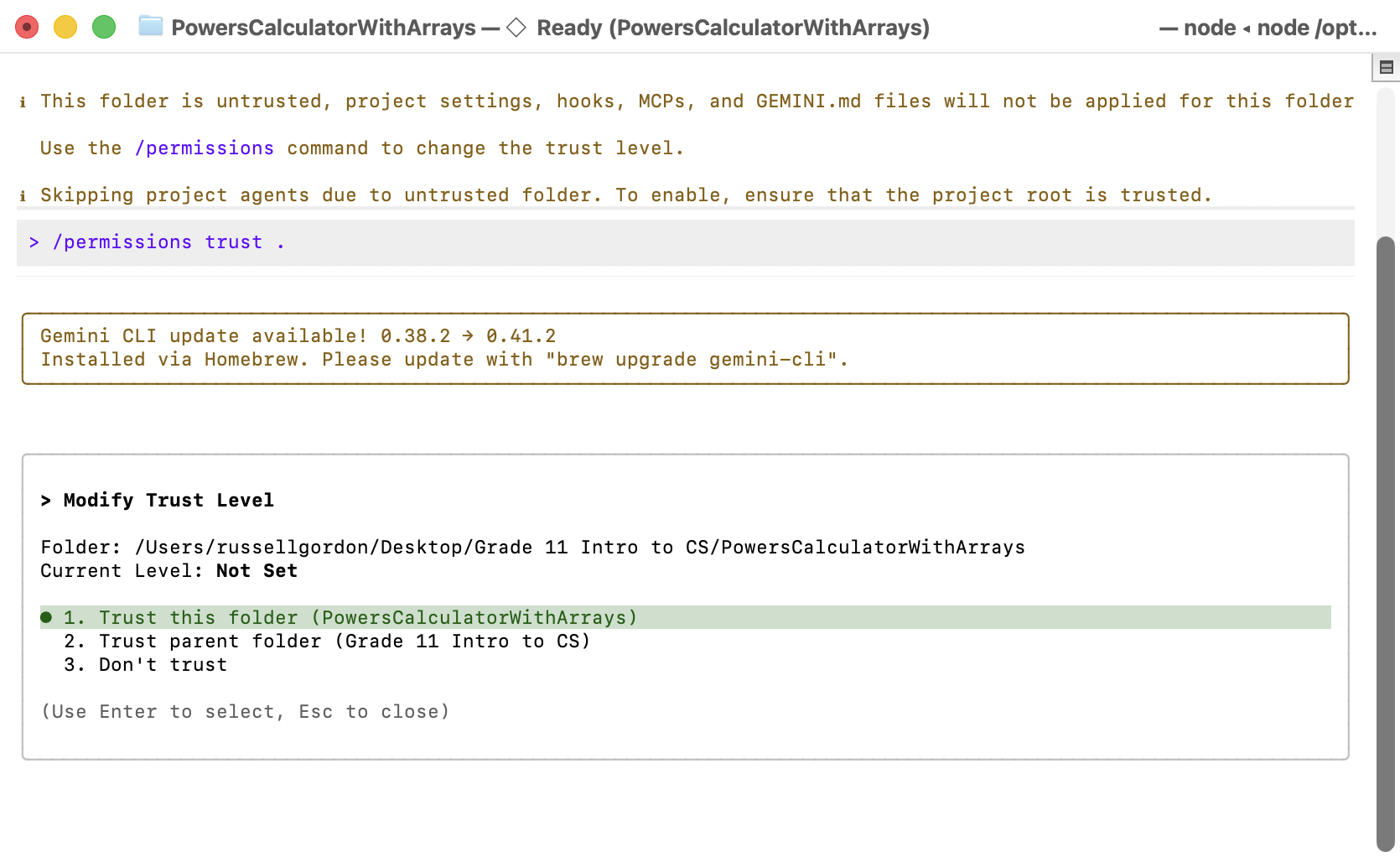
You will see this prompt – choose option 1 then press r to restart the Gemini CLI:
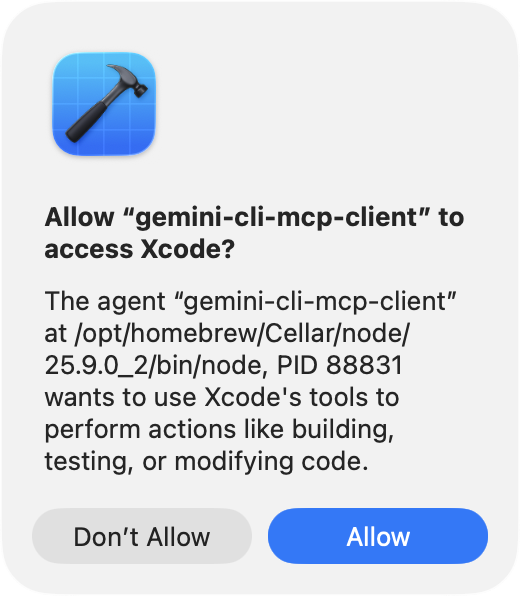
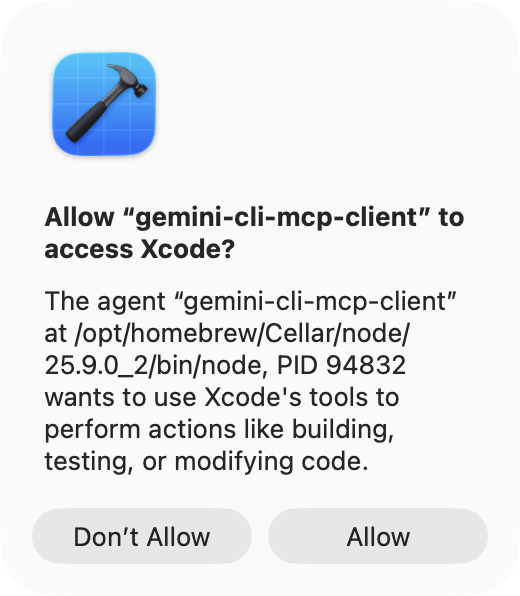
After restarting the Gemini CLI, Xcode will show you a prompt like this one – choose Allow:
You are now ready to experiment with the Gemini CLI to understand how arrays make application code shorter and less repetitive.
Copy the following prompt into the Gemini CLI:
Please examine the source code in this folder.

Modify the application so that it makes NO USE of arrays but offers the same functionality to the user that the current code provides.
TIP
You may be prompted to allow the Gemini CLI to read files within the project folder. Allow this to happen.
After a few minutes, the Gemini CLI will have directly updated the code inside the LCSHousesWithoutArrays project.
Compare the code in this project, on the computer using the Gemini CLI, with the computer that has the original project code, then answer these questions in your portfolio:
When given the prompt above, what data structure did the Gemini CLI choose to use instead? Do you understand how the new code works? NOTE: It’s expected that you will not understand the new code.
NOTE
It’s quite likely that the Gemini CLI will have chosen to add a data structure known as a linked list to the program code.
We don’t want this, so we’ll continue to use the next prompt.
Copy the following prompt into the Gemini CLI:
No.

Do not use a collection type or an advanced data structure of any kind.

Be sure to keep the functionality of the app as it is.

You must preserve the outward behaviour of the application to the user.
After a few minutes, Gemini will have updated the program code again.
Now, answer the following questions in your portfolio – discussing ideas with your partner:
Is there an array in the model or view model code at this point?
Compare the HousesListView file in the modified project to the HousesListView file in the original version of the project on your partner’s computer. Does the output for a user look any different? What about the code? Do both versions of the code adhere to the D.R.Y. principle?
Exercise 2: Advanced MVVM
Both members of your group should now use the Advanced MVVMXcode template to create a new project named PowersCalculatedWithArrays, like this:
Understand current array usage
Right now, of course, the application uses an array.
Together with your partner, answer the following questions in your portfolio:
Describe the overall purpose of this program.
Identify where data is first stored in an array. Reference the specific file name and line(s) of code that accomplish this.
What is the name of the array?
Describe where the array is used in the program. For example, where it is iterated over or where are individual elements accessed, or where are new elements added to the array, to allow the program to achieve its purpose?
What does the data stored in the array represent within the program?
Remove use of an array
One member of your group should take the following steps, with their partner helping to ensure the steps are followed correctly.
Our goal is to open the Google Gemini CLI for the PowersCalculatedWithArrays project on one computer within your group.
On the chosen computer, to do this, two-finger tap or right-click on the project file, and choose Show in Finder:
You will see this folder:
In that folder, press the Command key and the ⬆️ arrow to go up one level in your computer’s file system:
The folder you were in is now highlighted. Two-finger tap or right-click on that folder, and choose New Terminal at Folder. You will then be in a Terminal window within that folder:
Type gemini and press Return to open the Google Gemini CLI within that folder:
You will see something like this:
TIP
Before proceeding, you might need to sign in.
To do so, type the command:
/auth
… then choose the Sign in with Google option:
You next need to make the Gemini CLI trust the folder you are working in. Type this command:
/permissions trust .
… like this:
You will see this prompt – choose option 1 then press r to restart the Gemini CLI:
After restarting the Gemini CLI, Xcode will show you a prompt like this one – choose Allow:
You are now ready to experiment with the Gemini CLI to understand how arrays make application code shorter and less repetitive.
Copy the following prompt into the Gemini CLI:
Please examine the source code in this folder.

Modify the application so that it makes NO USE of arrays but offers the same functionality the present code provides.

If you have any concerns before editing the files per these instructions, please ask.
TIP
You may be prompted to allow the Gemini CLI to read files within the project folder. Allow this to happen.
You will probably see that, when given the flexibility to do so, Gemini chooses to use a linked list.
Now copy the following prompt into Gemini and run it:
No.

Do not use any collection type or advanced data structure of any kind.

Be sure to keep the functionality of the app as it is.

You must preserve the outward behaviour of the application to the user.

Please state any limitations that will exist with the new implementation rules that I have provided for this app.
Now, answer the following questions in your portfolio – discussing ideas with your partner:
What options did Gemini offer to modify the source code given the instructions above?
Choose the option suggested that results in a “strict” or “limited” capacity for the history of calculated powers. Instruct Gemini to allow for a capacity of 10 items in the app’s history of previously calculated powers. After making the code changes, Gemini will likely outline some concerns or limitations. What were they?
Compare the PowersListView file in the modified project to the PowersListView file in the original version of the project on your partner’s computer. Does the output for a user look any different? Are there limitations for the user with the new version of the app? What about the code? Do both versions of the code adhere to the D.R.Y. principle?
Exercise 3: Use a function
Now, use your partner’s computer, or, make a new project on the same computer using the Advanced MVVM template. Name the project AdvancedMVVMWithFunction.
Using the same general steps as given before, get the Gemini CLI attached to this project in its own Terminal window.
Once you have everything ready, give Gemini this prompt:
Modify this application so that the view model includes a function named `filter`.

The function must accept an input array from the view.

The function must also accept a value from a Slider that should be added to the view.

The Slider will allow the user to filter the history of prior calculations.

In this way, the history will show only powers that evaluate to a value greater than or equal to the slider’s value.

Be sure that the function parameters are explicit, and that the function returns the filtered array.

DO NOT use implicit parameters for the function.
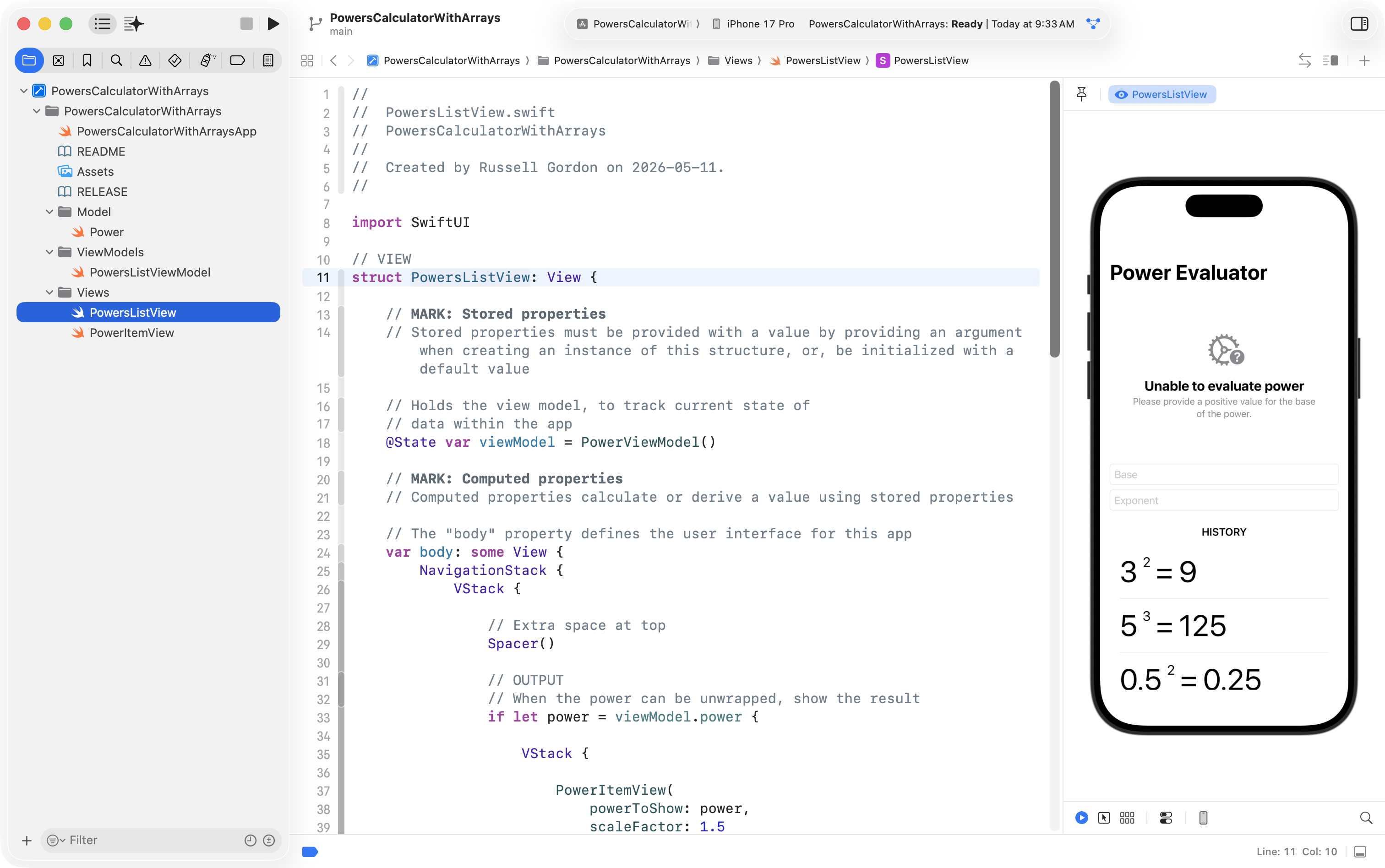
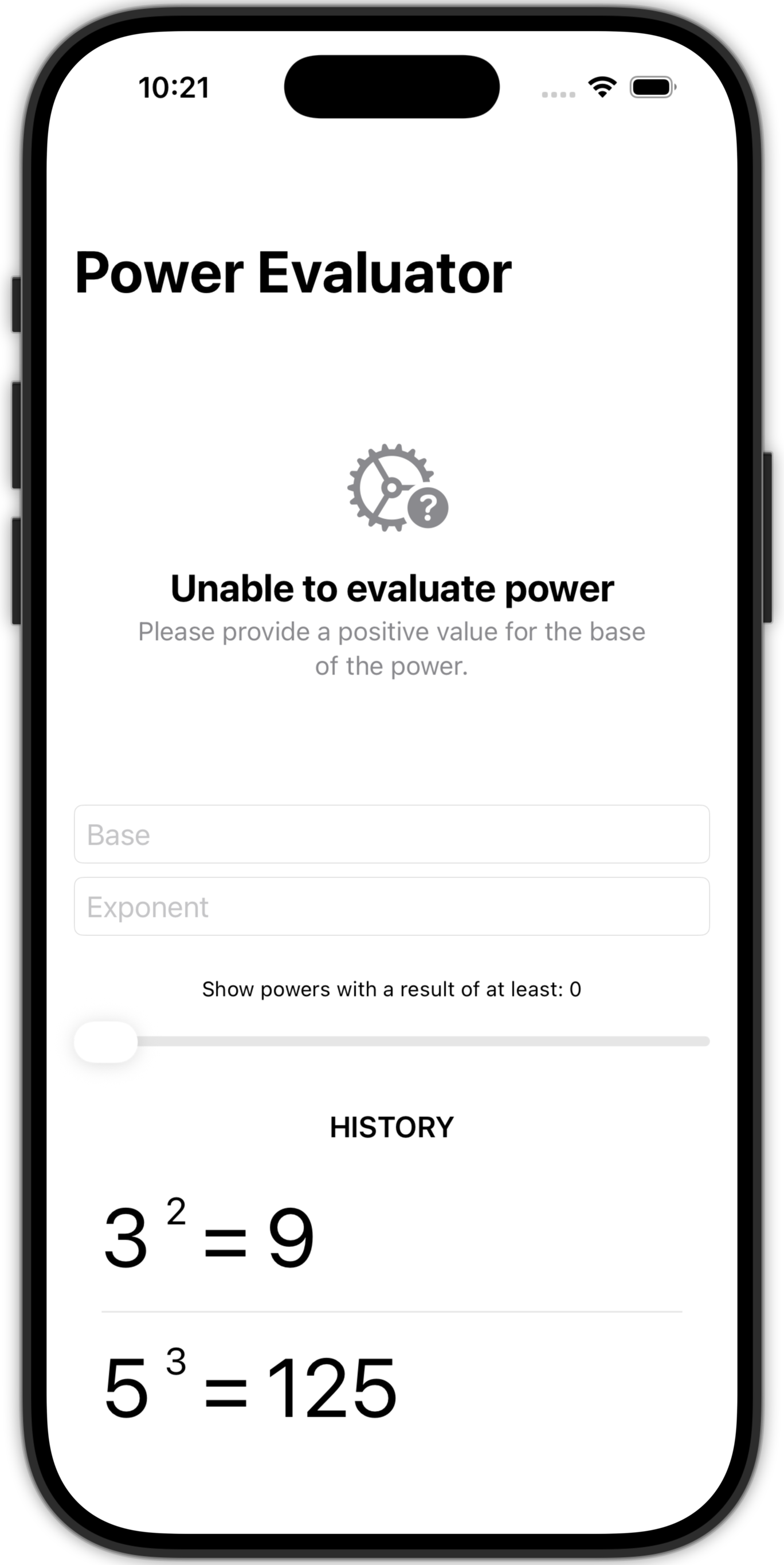
You will likely end up with a user interface within the app that looks something like this:
Try out the revised app. Move the slider. What happens?
Now, with your partner, work to discuss these questions.
Identify where a function is defined in the program. What is the function’s name? What is its return type, if any? What parameter(s) does it define, and how do you think they will affect what happens inside the function?
Where is this function called in the program? Be specific about the file and line number. Note that the call site is where the function is invoked, or used.
What is the purpose of the function, and how does it contribute to the overall functionality of the program?
Use English to explain, in detailed steps, how the function uses sequence, selection, and iteration to accomplish its purpose. Your explanation should be detailed enough for someone else to reproduce the function, but should not simply repeat back code.
TIP
If you are stuck on how to answer this question, ask Gemini to add documentation to the function identifying where sequence, selection, and iteration are being used.
Describe a scenario where two separate calls to the function, at different points in time while the program is running, would result in different outcomes. This will likely include different argument values being passed in to the function.
Describe the condition tested by each of the two calls identified above.
What will the result of the first call be? What will the result of the second call be?